
Updated June 2026
As a virtual assistant, your laptop isn’t just a tool — it’s your office, your meeting room and your first impression with every client. And that changes what “best” means. Most laptop guides chase raw power: the fastest chip, the biggest GPU, the highest benchmark. A VA almost never touches any of that. What you actually do all day is juggle a dozen browser tabs, live in email and a calendar, type for hours, and hop on video calls where your camera and mic decide how professional you look and sound.
So this guide ranks by the things that genuinely matter for VA work, in order: video-call quality, all-day battery, enough RAM to multitask without lag, and a keyboard you can type on for eight hours. A discrete graphics card and a high-end gaming CPU are money you don’t need to spend — that budget is far better put toward battery life and a good webcam. Get those right and the work feels effortless; get them wrong and you’ll be apologising for a frozen screen on a client call.
TechnoQia is reader-supported: buy through the Amazon links below and we earn a small commission at no extra cost to you, and it never changes the order. Every pick here has the 16GB of RAM that’s now the realistic floor for comfortable multitasking.
This is for new and established virtual assistants who want a reliable, professional machine without overspending on power they’ll never use.
- Best for most VAs: the MacBook Air (M4) — around 18 hours of battery, a sharp webcam and clear mics, in a silent, fanless body you can work on anywhere.
- Best for client video calls: the Microsoft Surface Laptop 7 — a standout camera and face-login, on a tall touchscreen that’s perfect for documents.
The shortlist, compared the way a VA would
By battery, calls and multitasking — not benchmarks. Product names link to Amazon.
| Laptop | Battery | For video calls | RAM | Best for |
|---|---|---|---|---|
| MacBook Air (M4) | ~18 hours | Sharp webcam + clear mics | 16GB unified | Best overall |
| Microsoft Surface Laptop 7 | All-day | Best camera + face login | 16GB | Client calls |
| ASUS Zenbook 14 OLED | Long | 1080p webcam | 16GB | All-day screen comfort |
| Lenovo ThinkPad E14 Gen 7 | All-day | Webcam + privacy shutter | 16GB DDR5 | Typing & business |
| HP Envy x360 14 | All-day | FHD webcam | 16GB | 2-in-1 flexibility |
| Acer Chromebook Plus 515 | Long | 1080p webcam | 8GB+ | Budget / web work |
TechnoQia · VA laptop map
Which laptop fits your VA work?
Start with what your day demands most — calls, portability, typing or budget — and the deciding spec points the way.
Decider: the best webcam here plus face login and a doc-friendly 3:2 touchscreen.
Decider: ~18-hour battery and a silent fanless body — a full day’s work without a charger.
Decider: the best keyboard in this group, a privacy-shutter webcam, and all the ports.
Decider: ChromeOS runs Google Workspace, email and scheduling cleanly for far less money.
MacBook Air (M4) — best overall for virtual assistants
The MacBook Air is almost purpose-built for a VA’s day. Battery life runs to around 18 hours, so you can work a full day — calls, docs, tabs and all — without hunting for an outlet, and the fanless design stays completely silent on calls. The webcam is sharp, the microphone array is clear, and macOS handles a heavy pile of browser tabs and apps smoothly on 16GB of unified memory.
It’s the pick for most VAs who aren’t tied to Windows-only software: reliable, portable, quiet and professional. The honest cons: macOS takes adjustment if you’re a lifelong Windows user, and a few client tools (certain CRMs or remote-desktop setups) are Windows-first. But as an all-day, do-everything VA machine, nothing here is more effortless.
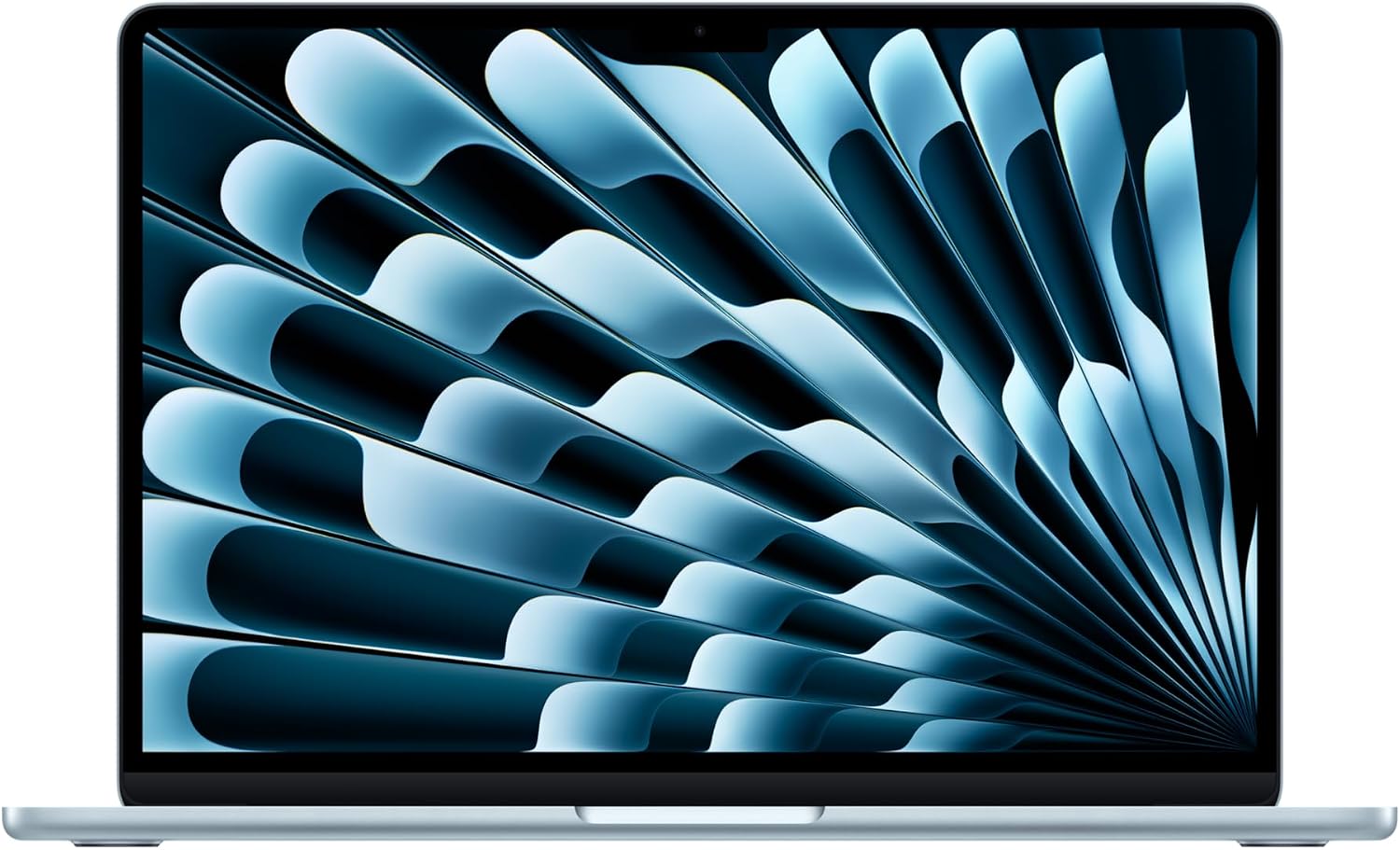
Verdict: Buy it — the best all-round VA laptop unless you specifically need Windows.
Microsoft Surface Laptop 7 — best for client video calls
If your day is back-to-back client meetings, how you appear on camera matters, and the Surface Laptop 7 has the best webcam in this group — noticeably sharper and better in low light than typical laptop cameras — plus Windows Hello face login so you’re into your machine in a second. The tall 3:2 touchscreen shows more of a document or spreadsheet at once, and because it comes straight from Microsoft, Windows is clean of manufacturer bloat.
It’s the pick for VAs who want to look polished on every call and live in Microsoft 365. The cons: it’s premium-priced, and the limited port selection may mean a USB-C hub. But for putting your best face forward with clients, it’s the standout — and it pairs naturally with our guide to laptops that ship clean.
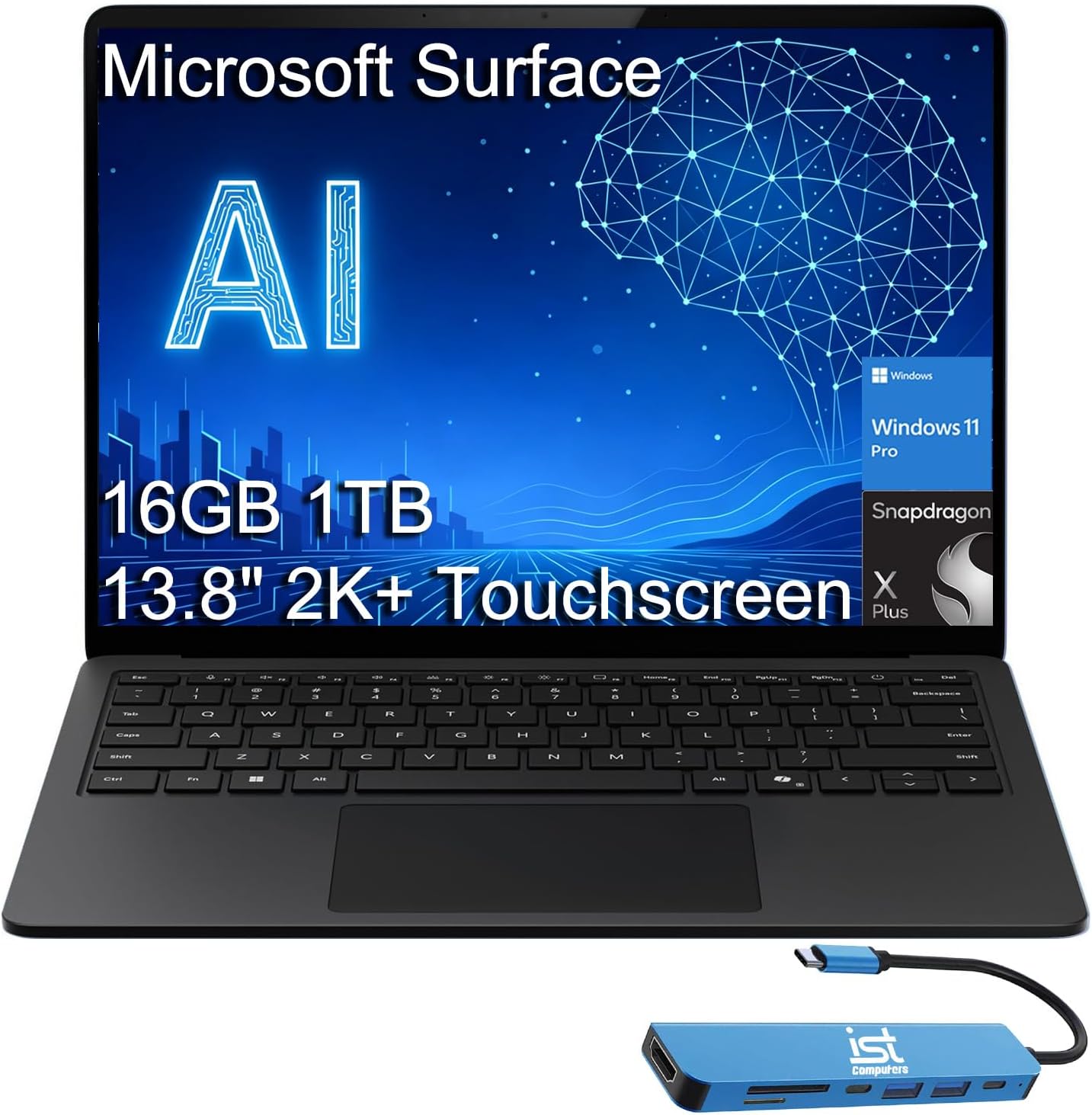
Verdict: Buy it — the best pick if client calls are the core of your day.
ASUS Zenbook 14 OLED — best for all-day screen comfort
VAs stare at a screen for hours, and the Zenbook 14’s OLED display makes that far easier on the eyes — deep contrast, crisp text and a bright 500-nit panel that’s comfortable from morning to evening. It backs that with a current Intel Core Ultra chip, 16GB of RAM and a light, slim body with long battery life, so it’s a pleasure to read, write and manage inboxes on all day.
It’s the pick if eye comfort and a gorgeous screen top your list, and you want a fast, portable Windows machine. The cons: glossy OLED panels can reflect in bright rooms, and the slim chassis keeps ports modest. But for the VA who lives in their display, it’s the most comfortable Windows option here.
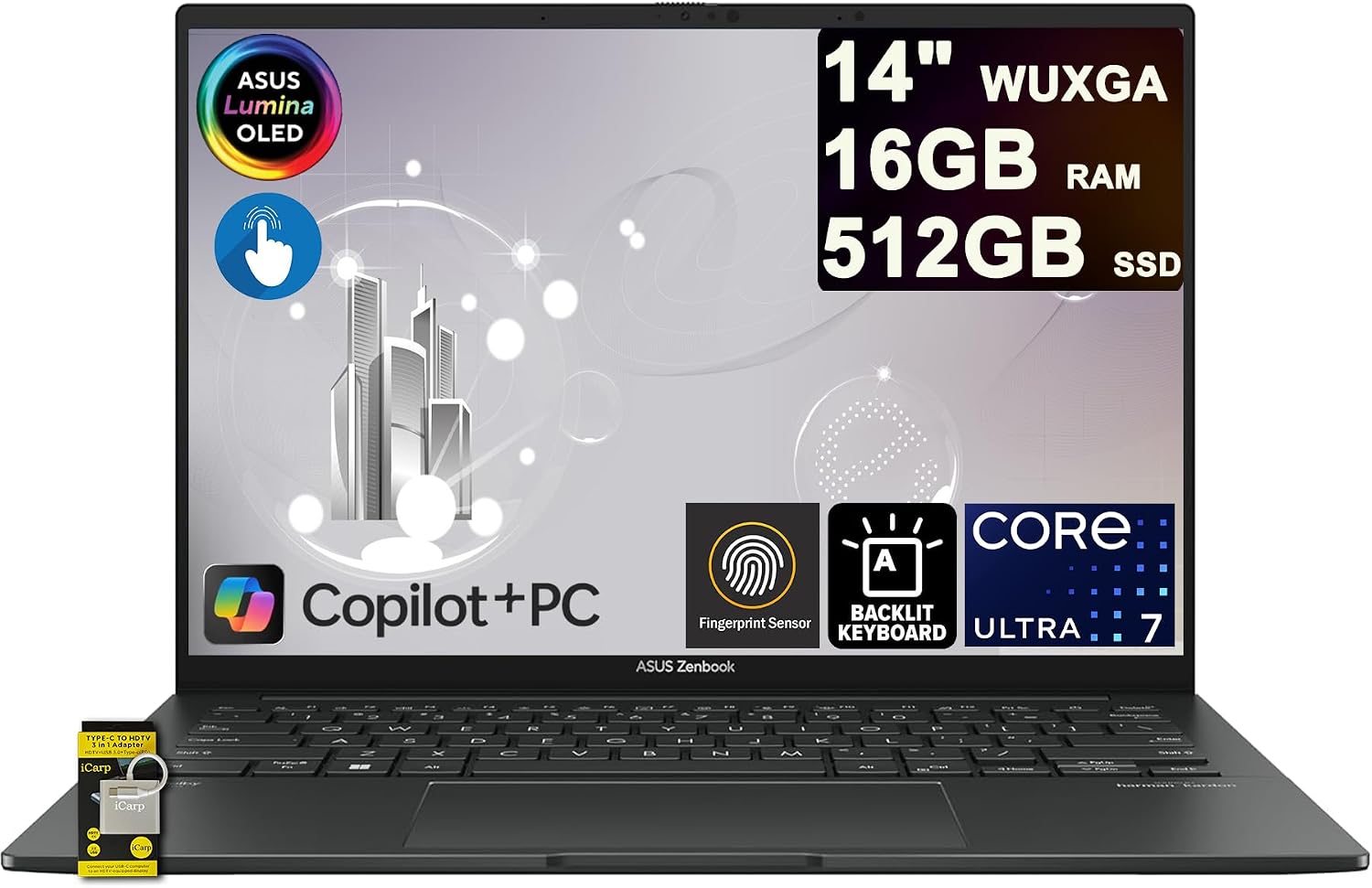
Verdict: Buy it — the best Windows pick for comfort during long screen days.
Lenovo ThinkPad E14 Gen 7 — best for typing and admin
A huge slice of VA work is typing — emails, documents, data entry, notes — and nobody does keyboards like ThinkPad. The E14’s keyboard is the best in this group, comfortable for hours of writing, and the business pedigree brings practical touches VAs love: a physical webcam privacy shutter, a fingerprint reader, and a full set of ports (including HDMI) so you can plug straight into a monitor or projector. With a Ryzen 7 chip and 16GB of DDR5, it multitasks happily.
It’s the pick for VAs who type all day and want a durable, no-nonsense work tool. The cons: the design is utilitarian rather than glamorous, and the screen is good rather than dazzling. But for a reliable typing-and-admin workhorse, it punches above its price — see our work-from-home laptop guides for more in this vein.
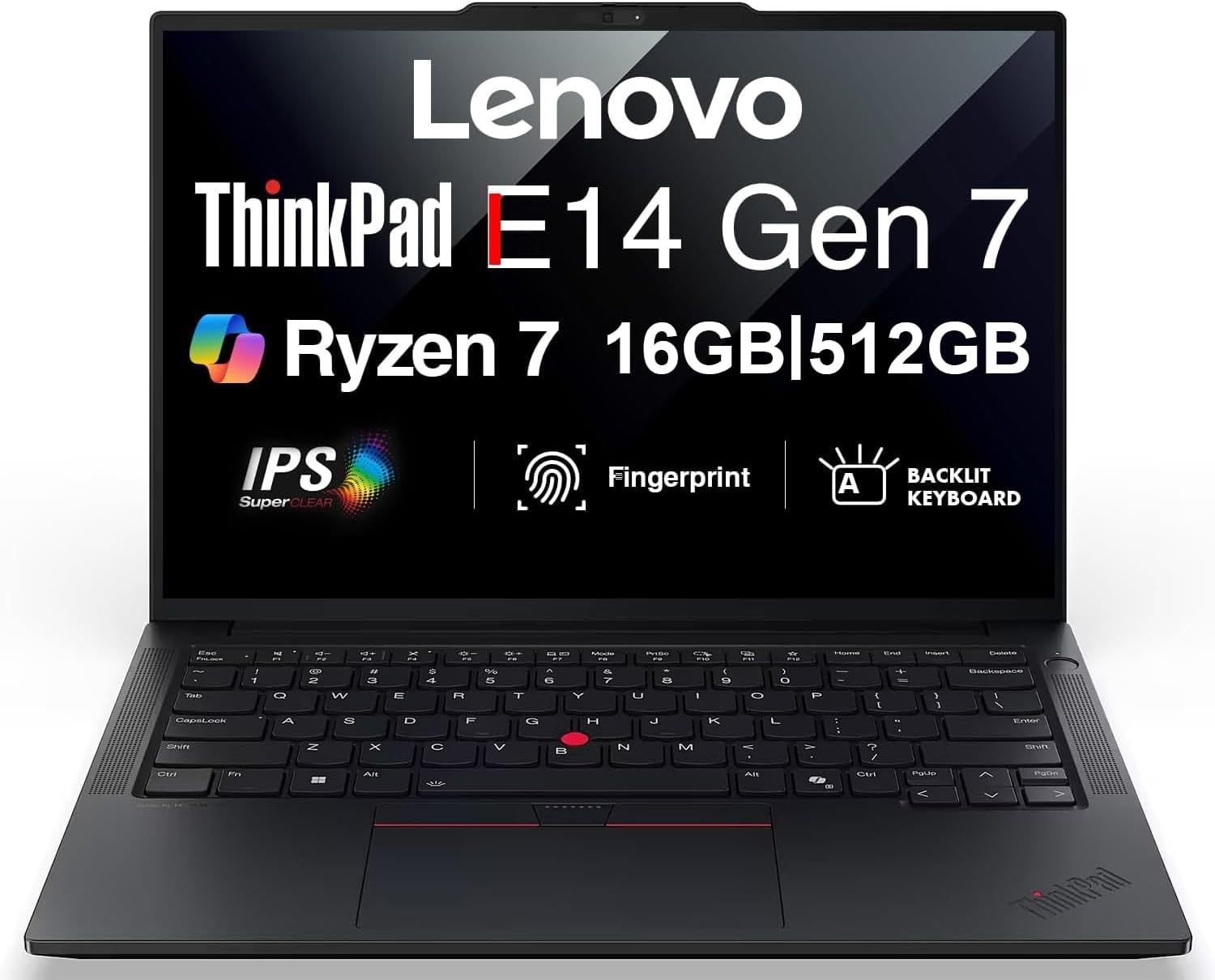
Verdict: Buy it — the best choice if you type for most of your working day.
HP Envy x360 14 — best 2-in-1 for flexibility
Some VA tasks are nicer with a touchscreen you can fold flat: reviewing and signing documents, reading long briefs, sketching a quick workflow, or taking handwritten notes in a meeting. The Envy x360 is a 2-in-1 convertible that flips into tablet mode, with a responsive touchscreen, 16GB of RAM and a solid FHD webcam, so it covers normal laptop work and adds genuine flexibility on top.
It’s the pick if you want one device that’s both a proper work laptop and a tablet for lighter tasks. The cons: convertibles are a little heavier than pure ultrabooks, and battery life is good rather than class-leading. But for a VA who values versatility — keyboard when you need it, touch when you don’t — it’s the most adaptable option here.
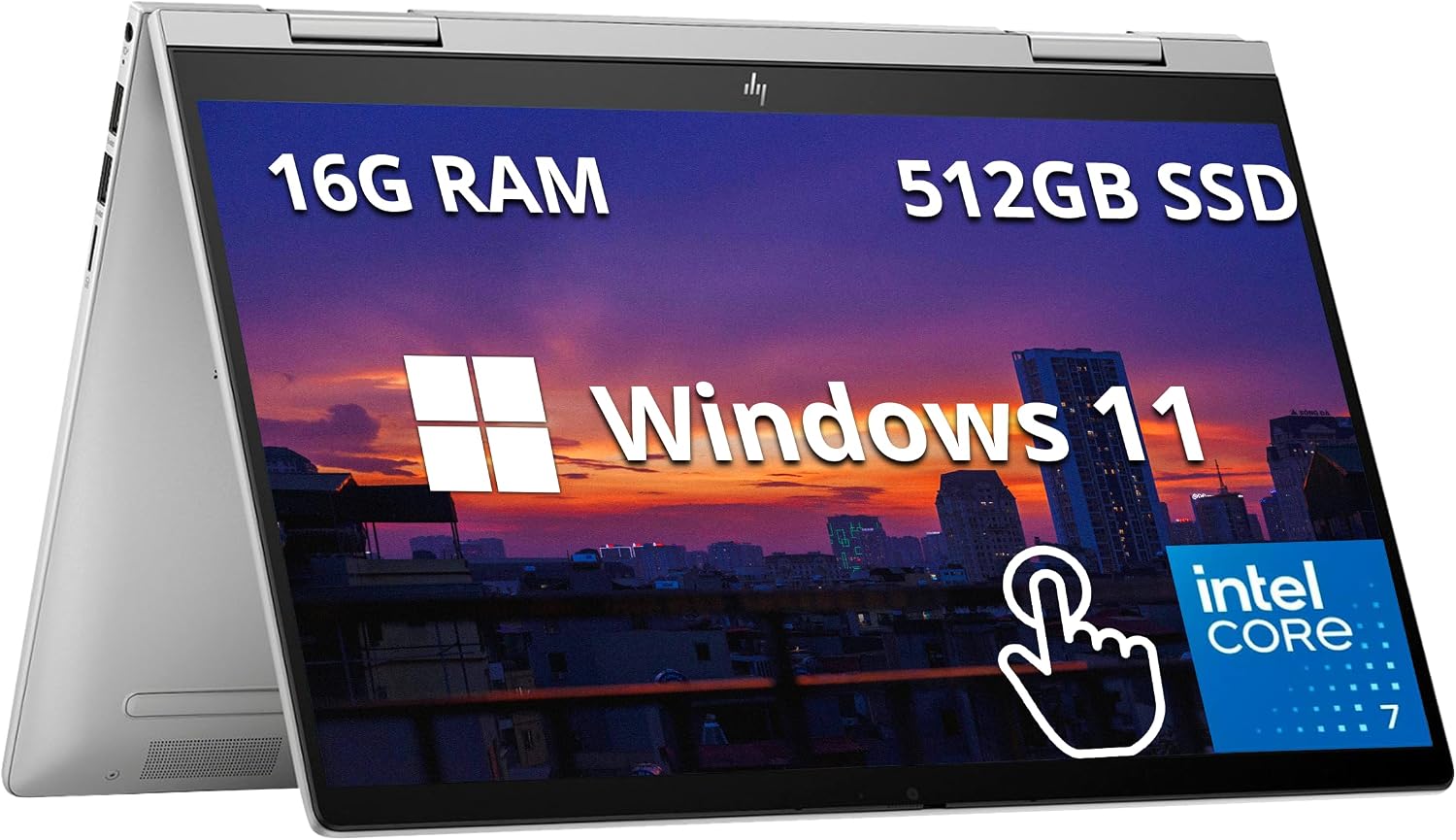
Verdict: It depends — ideal if you’ll use tablet mode; a flat ultrabook is lighter if you won’t.
Acer Chromebook Plus 515 — best budget pick
If you’re just starting out and your work lives in the browser — Google Workspace, email, scheduling tools, a CRM web app — a Chromebook does the job for a fraction of the price. The Chromebook Plus 515 clears a higher hardware bar than a basic Chromebook, with a roomy 15.6-inch screen and a 1080p webcam that’s perfectly fine for calls, and ChromeOS is fast, secure and almost maintenance-free.
It’s the pick for new VAs on a tight budget whose tasks are web-based. The honest cons: it won’t run full desktop software like the Office apps or specialised Windows-only client tools, and it leans on an internet connection. But if your day is genuinely browser-first, it’s remarkable value — and if you’re shopping second-hand to save more, check our guide on spotting a refurbished laptop.
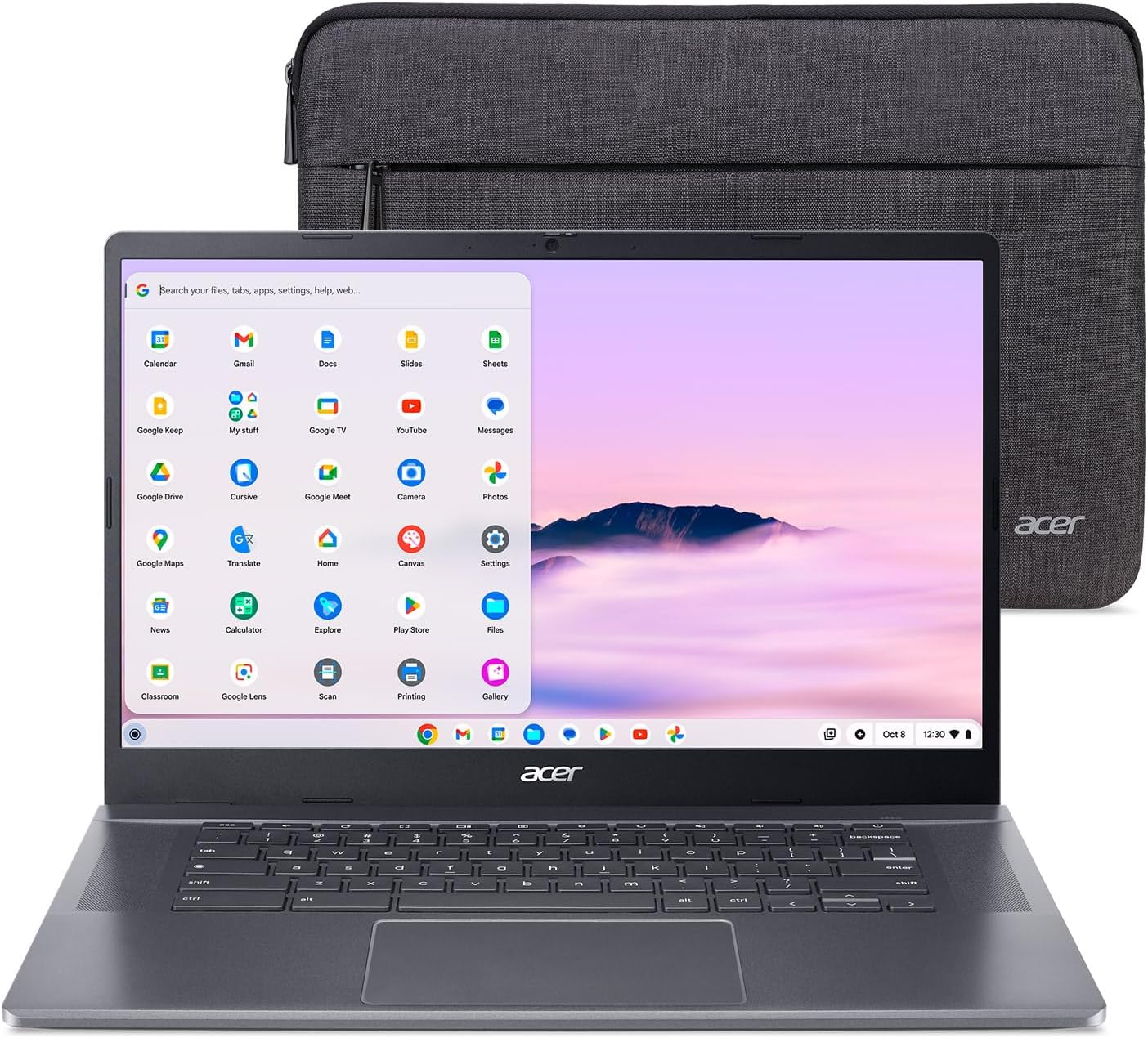
Verdict: It depends — brilliant value for browser-based work; step up to Windows or Mac if you need desktop apps.
How to choose a laptop for virtual assistant work
Spend your budget on the things you’ll feel every day, in this order:
- Camera and mic come first. They’re how clients see and hear you — a clear 1080p webcam and decent microphones do more for your professional image than any benchmark. If your laptop’s camera is weak, budget for a separate webcam.
- Battery is freedom. Aim for a genuine 10+ hours so you can work from a café, a client’s office or the sofa without tethering to a charger. All-day battery is what makes “work anywhere” real.
- 16GB of RAM is the multitasking floor. VA work means many tabs and apps open at once — email, calendar, CRM, docs, chat, a call. 8GB will stutter under that load; 16GB keeps everything smooth. Don’t go below it.
- The keyboard matters more than you think. You’ll type for hours, so a comfortable keyboard prevents fatigue and mistakes. If you can, try before you buy, or lean on keyboard-led brands like ThinkPad.
- Skip the gaming GPU. A VA doesn’t render video or play games for work, so a discrete graphics card is wasted money and worse battery. Put that budget into RAM, battery and the screen instead.
For a deeper look at balancing processor, memory and storage for remote work, see our remote-work laptop specs guide, and browse more options in the laptops hub.
Frequently asked questions
What specs does a virtual assistant need in a laptop?
Prioritise, in order: a clear webcam and microphone for client calls, 10+ hours of battery, 16GB of RAM for multitasking, and a comfortable keyboard. A modern mid-range processor (Intel Core Ultra, AMD Ryzen, or Apple M-series) is plenty — you don’t need a high-end CPU or a discrete graphics card for VA work, so don’t pay for them.
How much RAM does a VA laptop need?
16GB is the realistic minimum in 2026. Virtual assistants typically run many things at once — a browser full of tabs, email, a calendar, a CRM, a chat app and a video call — and 8GB struggles to keep all of that smooth. 16GB handles a busy workload comfortably, and you rarely need more unless you also do heavy media editing.
Is a MacBook or a Windows laptop better for a virtual assistant?
Both work well; it depends on your clients’ tools. A MacBook Air offers outstanding battery life, a great webcam and a quiet, reliable experience, and suits most VA work. Choose Windows if your clients rely on Windows-only software, certain CRMs, or remote-desktop setups, or if you simply prefer the Windows workflow. The right specs matter more than the badge.
Do you need an expensive laptop to be a virtual assistant?
No. VA work is light on raw power, so a mid-range laptop with good battery, 16GB of RAM and a decent camera does everything you need. A new VA on a budget can start with a capable Chromebook or an affordable Windows laptop and upgrade later. Spending on a high-end gaming or creator laptop is money wasted on power VA tasks never use.
Is a Chromebook good for virtual assistant work?
For browser-based work, yes — and it’s excellent value. If your tasks are Google Workspace, email, scheduling, and web-based client tools, a Chromebook like the Chromebook Plus 515 is fast, secure and inexpensive. The limitation is that Chromebooks can’t run full desktop software such as the installed Office apps or Windows-only programs, so check your clients’ tools first.
What’s the most important feature for client video calls?
A good webcam, then a clear microphone. Clients judge your professionalism partly on how you look and sound on calls, and most budget laptops cut corners on the camera. The Surface Laptop 7 has the best built-in webcam in this guide; on any laptop with a weak camera, adding an external 1080p webcam is a cheap, high-impact upgrade.