
Updated June 2026
A psychology degree looks like reading and essays from the outside — but somewhere in your second year, a module called “research methods” or “statistics” arrives, and suddenly your laptop needs to run SPSS. That single requirement changes what “best laptop” means for a psych student. It’s not about gaming power or a flashy screen; it’s about a machine that runs statistical software without freezing, survives a full day of back-to-back lectures on one charge, and is comfortable for the hours of reading and note-taking that fill the rest of the course.
Here’s the spec that actually matters, and the one most guides bury: 16GB of RAM. SPSS, R, JASP and jamovi all crawl on 8GB once your dataset grows or you have a browser full of journal articles open alongside them — and psych students always do. Pair that with a decent everyday processor (an Intel Core i5 / Core Ultra or an AMD Ryzen 5 is plenty) and all-day battery, and you’re set. What you don’t need is a gaming graphics card: statistics software uses your processor and memory, not the GPU, so money spent on a gaming laptop is money wasted for this degree.
So this guide ranks by what a psychology student’s day actually demands — smooth stats, long battery, comfortable reading and note-taking — not raw benchmarks. TechnoQia is reader-supported: buy through the Amazon links below and we earn a small commission at no extra cost to you, and it never changes the order. Every pick here has the 16GB of RAM that keeps SPSS happy.
This is for undergraduates and postgraduates in psychology (and related social sciences) who want a reliable machine that lasts the whole degree without overspending.
- Best for most psychology students: the MacBook Air (M4) — runs SPSS and R smoothly, lasts around 18 hours on a charge, and is light enough to carry across campus all day.
- Best value that still runs SPSS: the Acer Aspire 14 — 16GB of RAM and a capable processor for far less money.
The shortlist, compared for a psychology degree
By what your course needs: stats software, battery, memory and comfort. Product names link to Amazon.
| Laptop | Runs SPSS / R | Battery | RAM | Best for |
|---|---|---|---|---|
| MacBook Air (M4) | Yes, smoothly | ~18 hours | 16GB unified | Best overall |
| Acer Aspire 14 | Yes | All-day | 16GB | Best value |
| ASUS Vivobook 16 | Yes | All-day | 16GB | Big screen for data |
| HP Envy x360 14 | Yes | All-day | 16GB | Note-taking (2-in-1) |
| Lenovo IdeaPad Slim 5 | Yes | All-day | 16GB DDR5 | Value all-rounder |
| Microsoft Surface Laptop 7 | Yes | All-day | 16GB | Premium & portable |
TechnoQia · psychology student map
Which laptop fits your psychology course?
Start with what your degree leans on most — budget, note-taking, screen space or portability — and the deciding spec points the way.
Decider: 16GB of RAM and a capable processor keep SPSS smooth at the lowest price here.
Decider: a 2-in-1 that folds flat for stylus notes and marking up journal PDFs by hand.
Decider: a roomy 16-inch screen fits SPSS output and a paper side by side without squinting.
Decider: around 18 hours of battery and a light, silent body that lasts the whole degree.
MacBook Air (M4) — best overall for psychology students
The MacBook Air is close to a perfect psychology-student laptop. It runs SPSS, R and JASP smoothly on 16GB of unified memory — Apple makes native Mac versions of all the major stats tools — while lasting around 18 hours on a charge, so a full day of lectures, library sessions and note-taking never leaves you scrambling for an outlet. It’s light (about 2.7 lbs), silent and fanless, and its build quality means it comfortably survives a three-to-four-year degree.
It’s the pick for most psychology students who want reliability and battery without fuss. The honest cons: macOS takes a little adjustment if you’ve only used Windows, and you should check whether your department uses any Windows-only software (rare in psychology, but worth a quick email). For a machine that handles your stats, your reading and your whole day effortlessly, it’s the top choice.
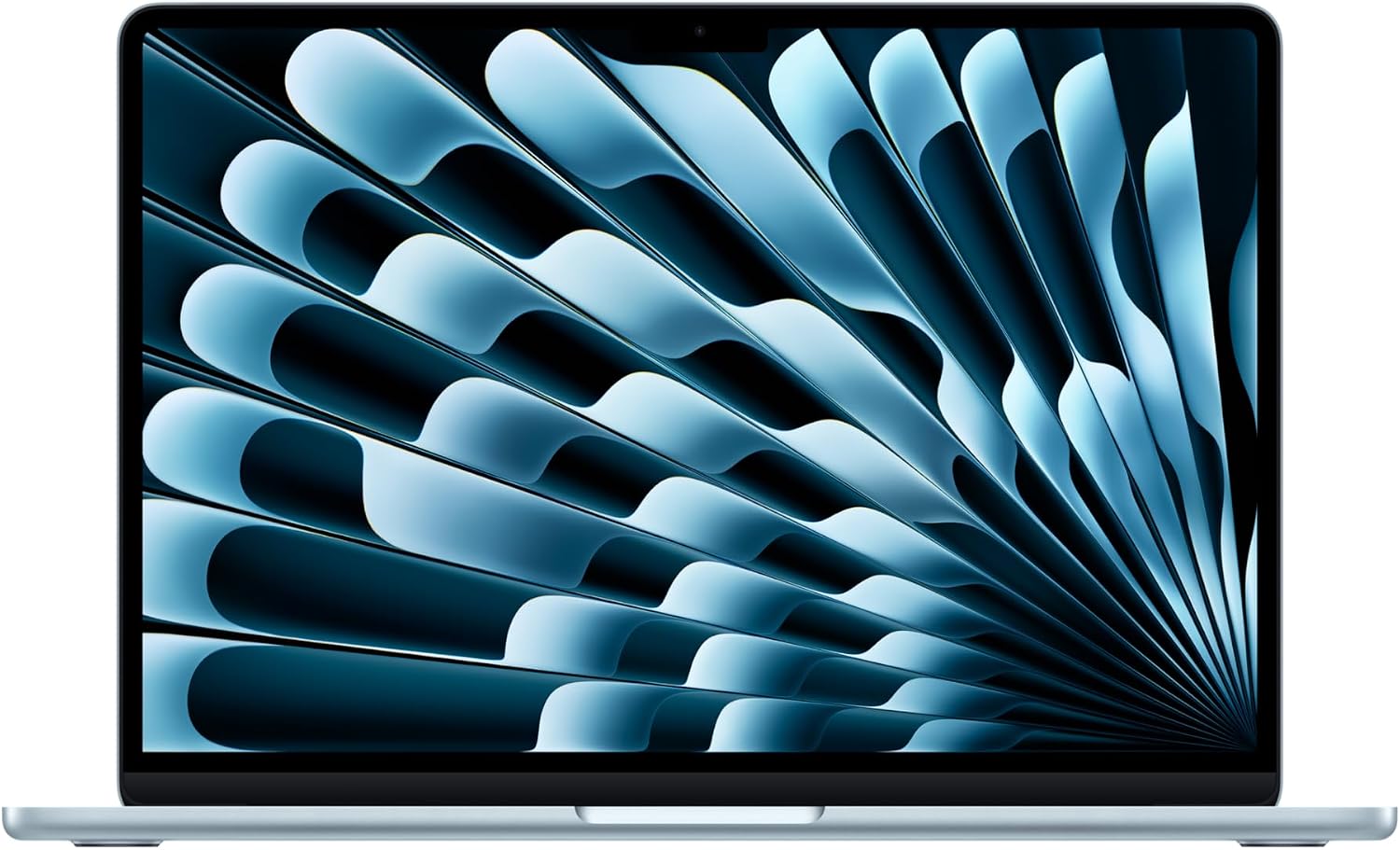
Verdict: Buy it — the best all-round pick; just confirm your department has no Windows-only tools.
Acer Aspire 14 — best value that still runs SPSS
You don’t need to spend a lot to run statistics software well, and the Aspire 14 proves it. It pairs a capable Intel Core processor with the crucial 16GB of RAM, so SPSS and R run without the stutter that plagues cheaper 8GB machines, and its 14-inch WUXGA screen is sharp enough for reading papers. For a first-year on a budget who knows the stats module is coming, it covers everything the degree needs.
It’s the pick if price is your main constraint but you refuse to compromise on the one spec that matters. The cons: the build and screen are practical rather than premium, and battery is good rather than exceptional. But as the cheapest laptop here that genuinely handles a psychology workload, it’s the smart-money choice — and it fits right in with our wider student laptop guides.
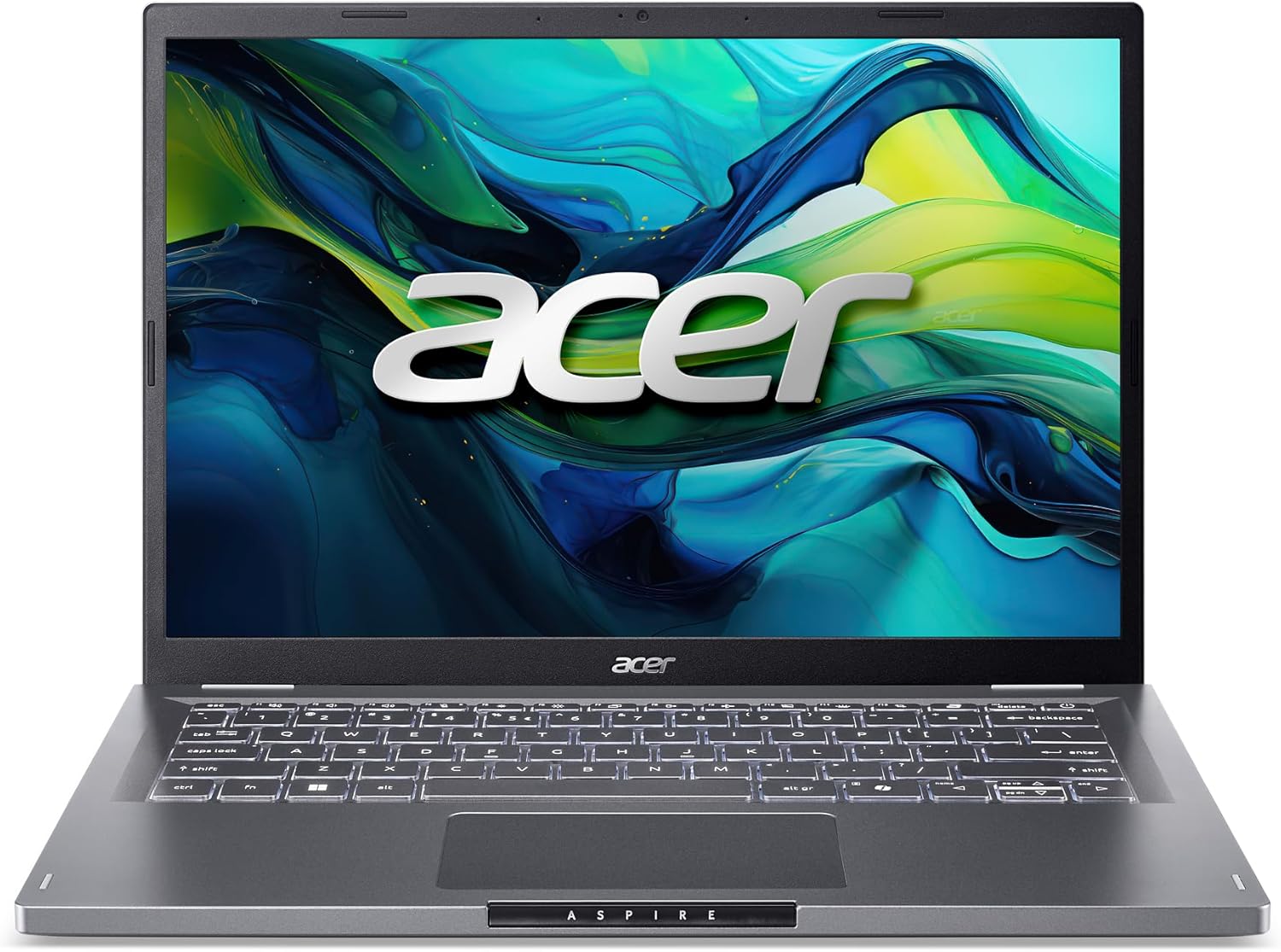
Verdict: Buy it — the best budget choice that still runs your stats software properly.
ASUS Vivobook 16 — best big screen for data and reading
Statistics work is much easier with room to breathe, and the Vivobook 16’s large 16-inch WUXGA display lets you keep an SPSS output window and a journal article open side by side without squinting or endless scrolling. A modern Ryzen processor and 16GB of RAM keep the analysis smooth, and the bigger chassis makes for a comfortable full-size keyboard for those long methods write-ups.
It’s the pick if you spend hours in datasets and reading, and prefer a spacious screen over ultra-portability. The cons: a 16-inch laptop is heavier and a little bulkier in a bag than a 14-inch, and battery on bigger screens is typically a touch shorter. But for a comfortable, roomy workspace that still runs everything your course throws at it, it’s excellent value.
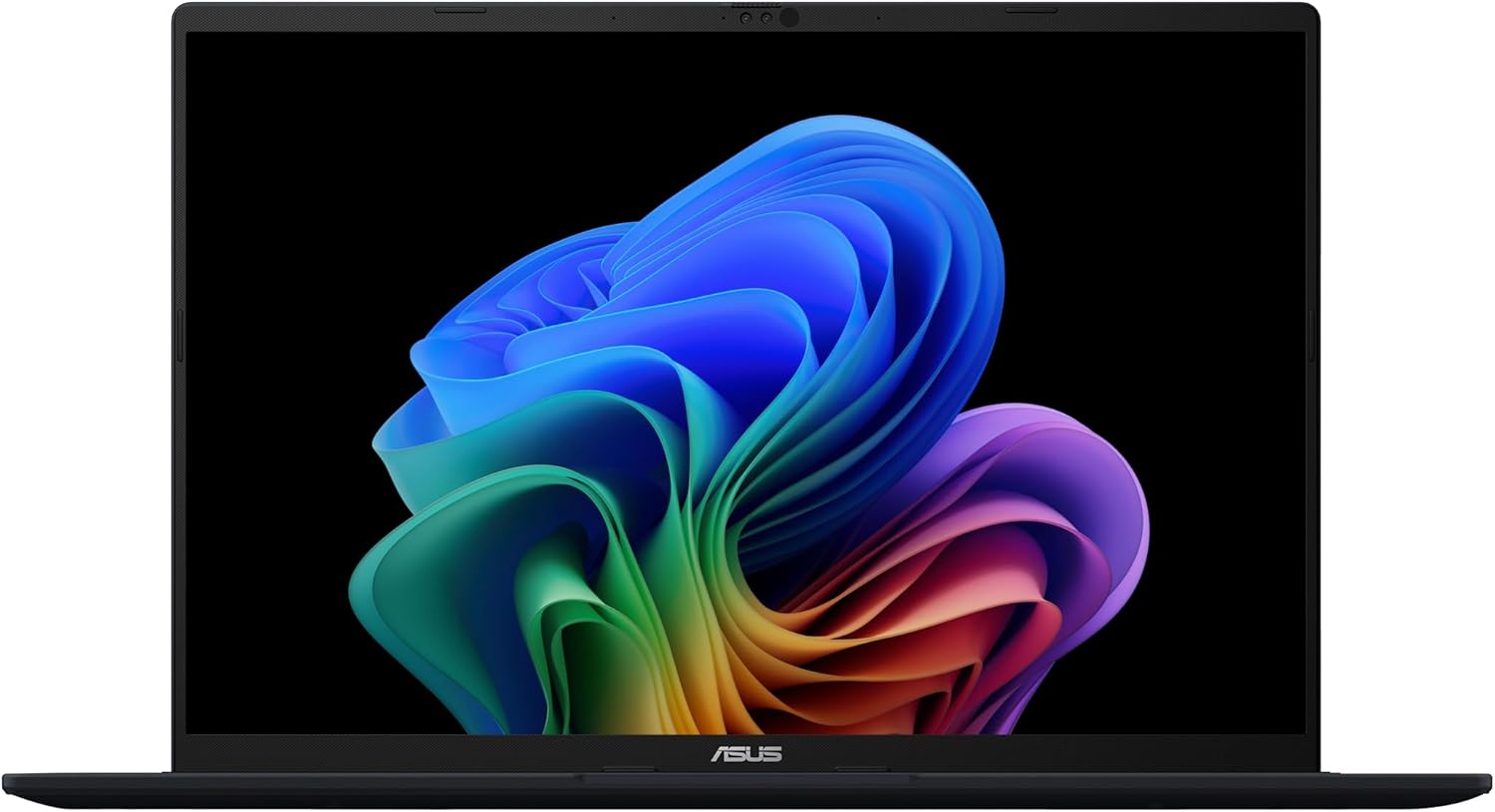
Verdict: Buy it — the best pick if a big screen for data and reading matters more than weight.
HP Envy x360 14 — best for note-taking
A lot of psychology is note-taking — in lectures, in seminars, and while working through dense papers — and some people simply think better by hand. The Envy x360 is a 2-in-1 convertible that folds flat into a tablet, so you can write notes with a stylus, sketch out a study design, or annotate a PDF directly on the screen, then flip back to laptop mode to type up your work. With 16GB of RAM it handles SPSS just fine too.
It’s the pick if flexible, handwritten input is part of how you study. The cons: convertibles are a little heavier than pure laptops, and a stylus may be sold separately. But for a student who wants one device that’s both a proper stats machine and a digital notebook, it’s the most versatile option here.
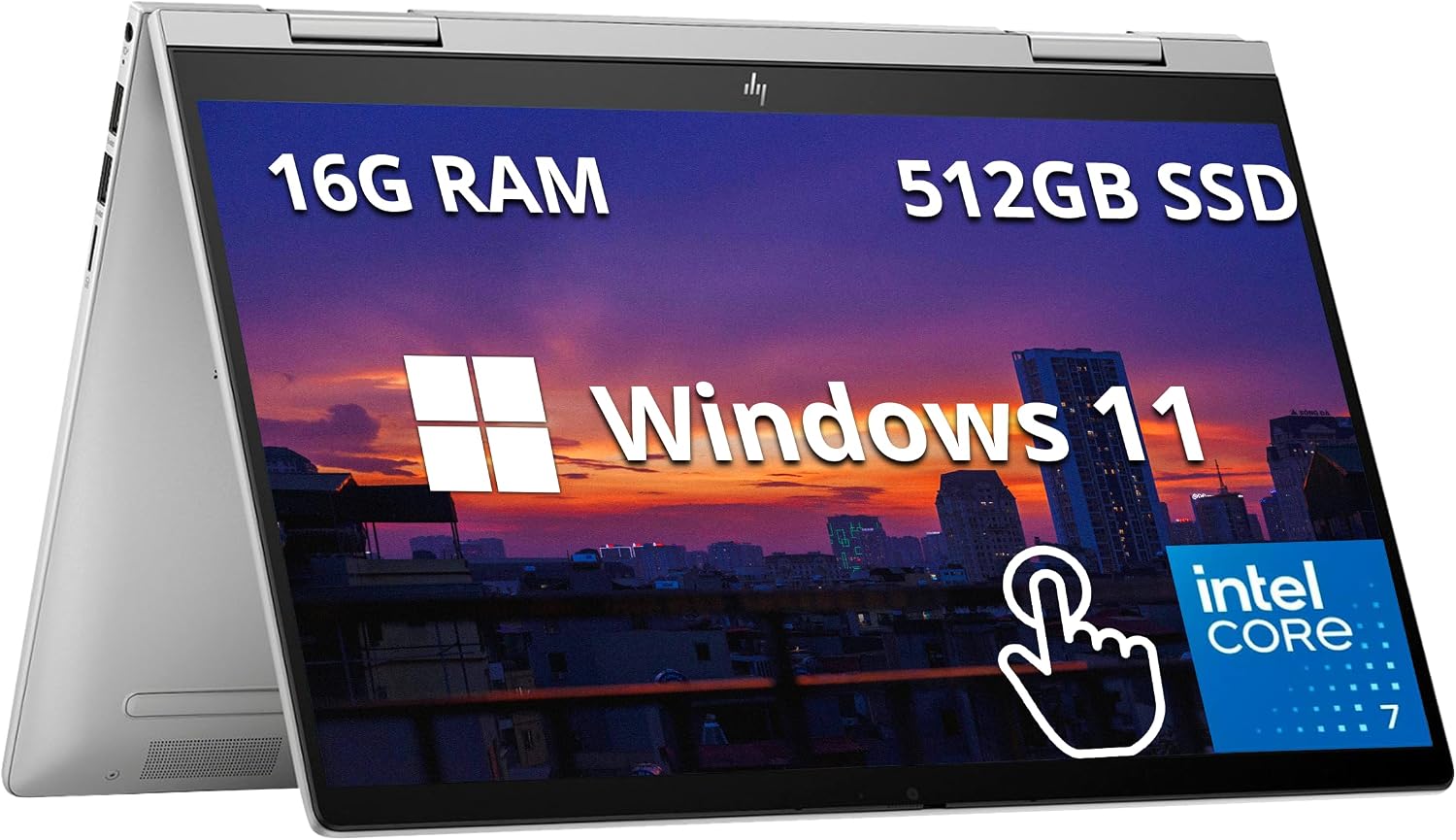
Verdict: It depends — ideal if you take handwritten notes; a flat laptop is lighter if you type everything.
Lenovo IdeaPad Slim 5 — best value all-rounder
If you want a sensible, do-everything Windows laptop that gets the important things right, the IdeaPad Slim 5 is the safe pick. It combines a modern Ryzen processor, 16GB of DDR5 and a pleasant screen with roughly 100% sRGB colour — nicer for reading and the occasional presentation than most budget panels — in a slim, portable body. It runs SPSS and R comfortably and handles the browser-heavy multitasking of essay research without complaint.
It’s the pick for the student who wants reliable, balanced Windows value without overthinking it. The cons: it’s understated rather than flashy, and there’s no discrete graphics (which, for psychology, you don’t want anyway). But as a well-rounded machine that covers the whole degree at a fair price, it’s an easy recommendation.
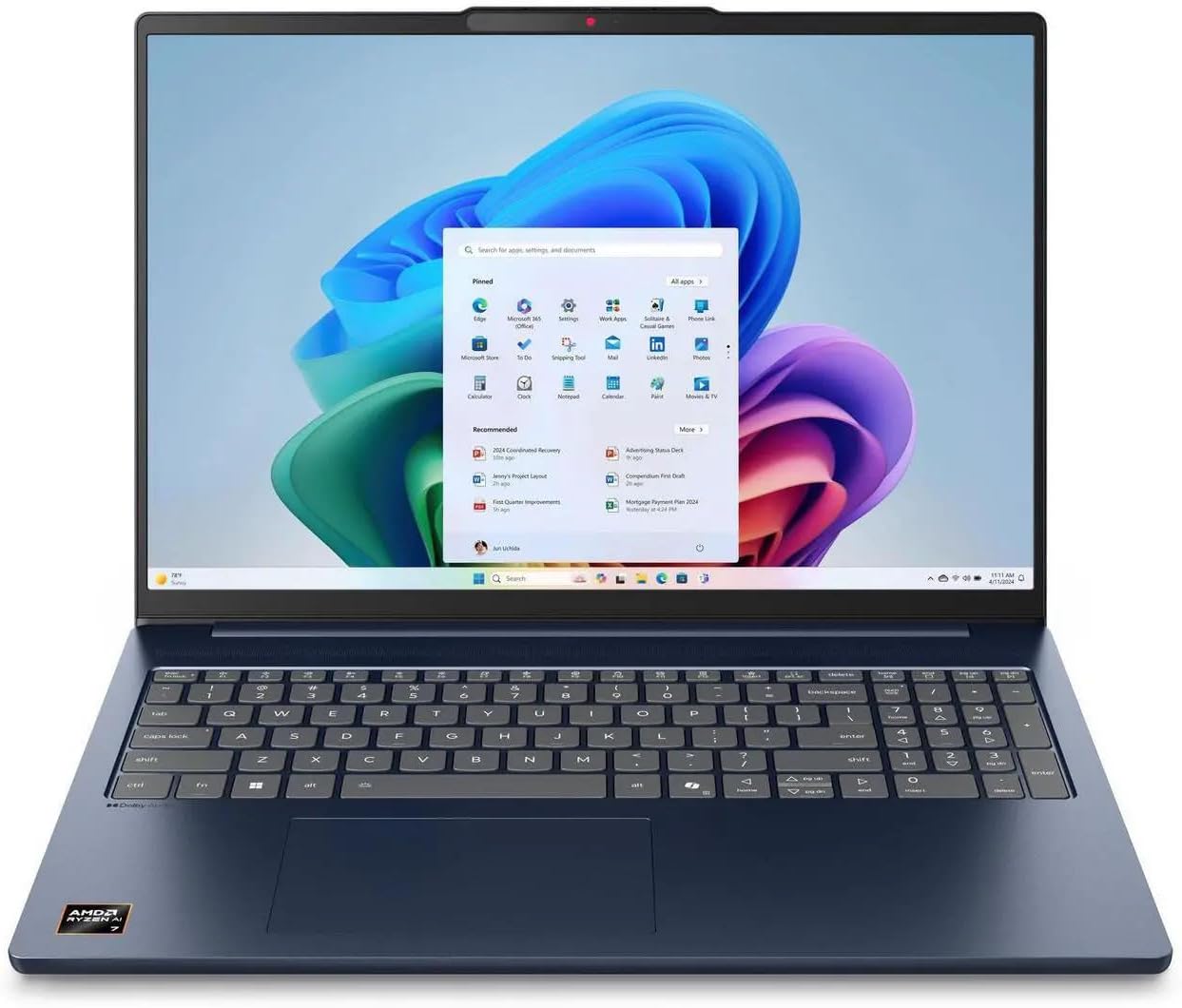
Verdict: Buy it — the best balanced Windows value for the whole degree.
Microsoft Surface Laptop 7 — best premium and portable
If your budget stretches and you want something that feels special, the Surface Laptop 7 is a lovely machine for a psychology student. Its standout webcam is a real bonus for online seminars, remote supervision and any telehealth or research-interview practice you do over video, and the tall 3:2 touchscreen shows more of a paper or PDF at once, which is genuinely nicer for reading. Because it comes straight from Microsoft, Windows is clean of manufacturer bloat, and battery lasts all day.
It’s the pick for the student who values a premium build, a great camera and a beautiful reading screen. The cons: it’s the priciest option here, and the limited ports may mean a USB-C hub. But as a polished, portable machine that also runs your stats without breaking a sweat, it’s a delight — and a clean setup helps, as our guide to bloat-free laptops explains.
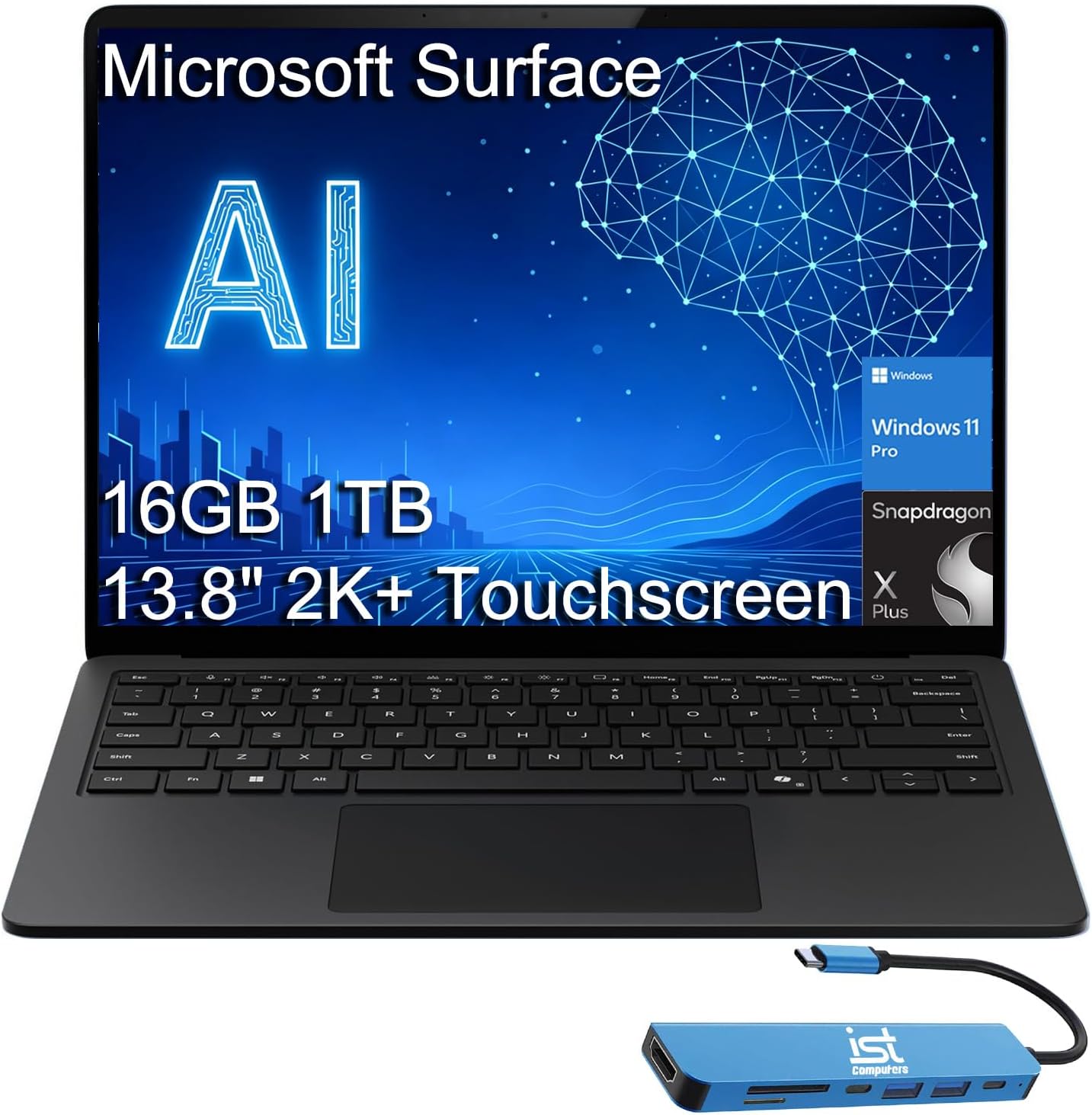
Verdict: It depends — worth it for a premium build and camera; save money with the Aspire or IdeaPad if not.
How to choose a laptop for a psychology degree
Spend on what your course actually uses, in this order:
- 16GB of RAM is the real requirement. SPSS, R, JASP and jamovi all need memory headroom, and 8GB stutters once your dataset grows or you have journal PDFs open alongside. 16GB is the floor; you almost never need more as an undergraduate.
- A mid-range processor is plenty. An Intel Core i5 / Core Ultra or an AMD Ryzen 5 runs statistics software comfortably. You do not need a top-tier CPU, and you definitely don’t need a gaming graphics card — stats software doesn’t use it.
- Battery gets you through campus days. Aim for a genuine 8+ hours (the MacBook Air far exceeds this) so lectures, library time and note-taking don’t strand you at a wall socket.
- Think about how you take notes and read. If you handwrite, a 2-in-1 with a stylus is worth it; if you read a lot, a bigger or taller screen reduces eye strain. Comfort matters over a three-year degree.
- Mac or Windows both work — mind the exceptions. SPSS, R and JASP run on both. Choose based on preference and budget, but send a quick email to your department to confirm no module relies on Windows-only software.
One caution on Chromebooks: desktop SPSS won’t install on ChromeOS, so a Chromebook only works for psychology if your university provides a cloud or web-based stats option — check before you buy. For more on balancing specs, see our laptop specs guide and the wider laptops hub.
Frequently asked questions
What laptop specs do psychology students need?
Prioritise 16GB of RAM, a mid-range processor (Intel Core i5/Core Ultra or AMD Ryzen 5), all-day battery, and a 256GB or larger SSD. That combination runs SPSS, R and JASP smoothly, handles research and essay writing, and lasts a full day of lectures. You do not need a gaming graphics card or a high-end CPU for a psychology degree.
Can a MacBook run SPSS?
Yes. IBM makes a native macOS version of SPSS, and it runs well on Apple’s M-series chips — the MacBook Air handles it smoothly on 16GB of memory. R, JASP and jamovi are also available for Mac. The main thing to check is whether any specific module in your department uses Windows-only software, which is uncommon in psychology but worth confirming.
How much RAM do you need to run SPSS?
16GB is the practical sweet spot. SPSS technically runs on 8GB, but it slows noticeably once datasets get larger or you have a browser full of journal articles open at the same time — which psychology students almost always do. 16GB keeps everything responsive, and it’s rarely worth paying for 32GB at undergraduate level.
Do psychology students need a powerful or gaming laptop?
No. Statistics software relies on your processor and memory, not the graphics card, so a gaming laptop’s main selling point is wasted on this degree — and it adds weight, cost and worse battery life. A slim, well-balanced laptop with 16GB of RAM and a mid-range chip does everything a psychology course needs for less money.
Can you use a Chromebook for a psychology degree?
Only with a caveat. Chromebooks are great for browsing, email, docs and reading, but desktop SPSS cannot be installed on ChromeOS. A Chromebook works for psychology only if your university offers a cloud or web-based statistics tool, or you do stats in a computer lab. If you’ll run SPSS on your own machine, choose a Windows laptop or a MacBook instead.
Is a 2-in-1 laptop good for taking notes in lectures?
Yes, if you like writing by hand. A 2-in-1 like the HP Envy x360 folds flat into a tablet so you can take handwritten notes with a stylus, annotate journal PDFs, or sketch a study design, then switch to laptop mode to type up your work. If you type all your notes, a standard laptop is lighter and does the job just as well.