

Smart Home Guides: Cameras, Locks & Lighting
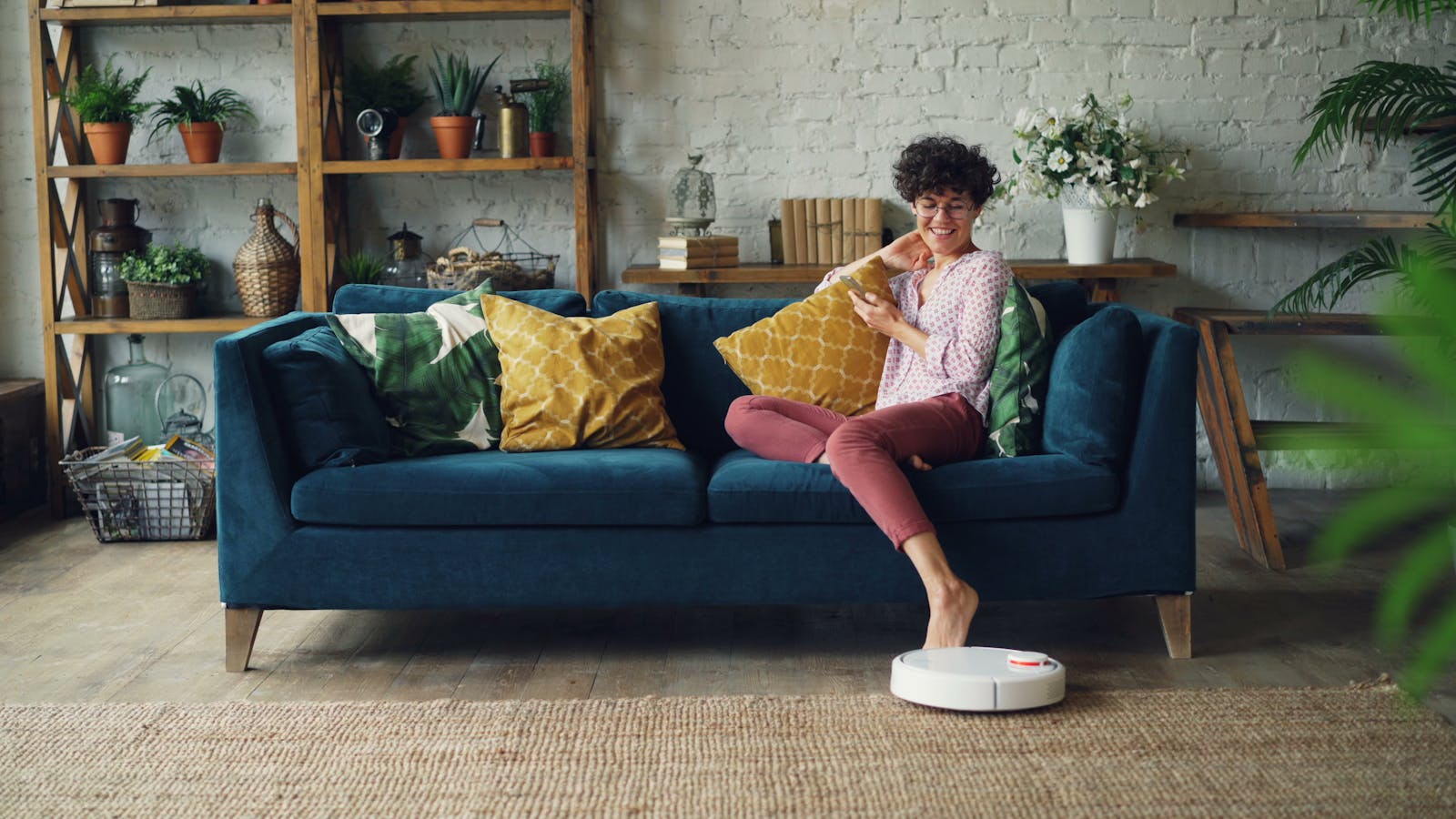
Building a smart home is mostly one decision repeated: do you want convenience, or another monthly bill? Almost everything that makes a home “smart” — locks, lights, plugs, cameras — can run with no subscription and no proprietary hub if you pick the right device the first time. Get it wrong and you end up paying a monthly fee to watch your own front door.
This hub is the map. We cover the things people actually automate first, name the one spec that decides each purchase, and steer you around the two traps that cost the most over time: mandatory cloud subscriptions and ecosystem lock-in. The rule that runs through every guide here: spend on the device, not the monthly fee.
- Worried about security? A subscription-free camera with local storage — no monthly fee to see your own footage.
- Want the biggest payoff for the least money? Smart bulbs and plugs — cheap, reversible, instantly useful.
- Renting? Stick to no-drill, plug-in devices you can take with you.
TechnoQia · Smart Home map
Table of Contents
Which smart-home upgrade should you start with?
Pick by the problem you’re solving — then let one spec decide the device, and avoid the monthly fee.
Decider: local storage (microSD or an NVR) so there’s no monthly fee to view or save footage.
Decider: it fits your existing deadbolt and works with Matter (or the platform you already use), not one closed app.
Decider: Matter or your current platform — skip proprietary-hub-only kit you can’t reuse later.
Decider: adhesive or plug-in only — nothing permanent, so it comes with you when you move.
Decider: use whatever your phone and speakers already run; choose Matter devices if you want to stay cross-platform.
Security cameras
A camera is where the subscription trap is most expensive, because the cheapest cameras are often the ones that lock your footage behind a monthly cloud plan. The spec that decides it isn’t resolution — it’s where the recording lives. Cameras that record to a microSD card or a local NVR (Reolink, some Eufy) let you keep and review footage with no ongoing fee; a “$30 camera” with a mandatory $8/month plan costs more over two years than the dearer one with local storage. Start with our security-camera guides, and if avoiding fees is the priority, the subscription-free security hub is built for exactly that.
Security systems
A full system adds sensors, a siren and (optionally) professional monitoring. The honest question is whether you need monitoring or just alerts: a self-monitored DIY system pings your phone for free, while a monitored service routes through a 24/7 centre for a monthly fee — worth it if the house is often empty or far from family, overkill if you’re usually around. We break down both paths, and the no-contract options, in the security systems guides.
Smart locks
The two things that decide a smart lock are fit and compatibility — not the feature list. First, it has to physically match your door (most retrofit locks replace only the interior thumb-turn and keep your existing deadbolt and keys). Second, buy one that speaks Matter or at least your existing platform, so you’re not trapped in a single app that could be abandoned. Keypad and fingerprint entry are nice; a lock that still works when the maker drops support is non-negotiable. See the smart-lock guides.
Smart lighting
Lighting is the best-value entry point: cheap, renter-friendly, and instantly useful. The decision is bulbs vs. switches vs. strips, and — again — avoiding hub lock-in. Wi-Fi or Matter bulbs work without a proprietary bridge; some ecosystems still push their own hub you don’t need. Get the standard right and you can mix brands later. Our smart-lighting guides cover bulbs, strips and scenes across platforms.
Smart plugs
A smart plug is the cheapest way to make a “dumb” device smart and to measure what your gear actually costs to run. The deciders are tiny but real: physical size (so it doesn’t block the second socket), an energy-monitoring readout if you want to find power-hungry devices, and Matter/your-platform support. Start with the smart-plug guides.
Renter-friendly devices
Renting doesn’t rule out a smart home — it rules out anything permanent. Stick to no-drill, no-rewire kit: plug-in cameras and sensors, adhesive contact sensors, retrofit locks that don’t alter the door, and bulbs/plugs that simply screw or plug in. Everything comes with you when you move. The renter-friendly hub collects the devices that install and uninstall in minutes.
How to choose without overspending or getting locked in
Two rules cover almost every smart-home purchase. First, total the two-year cost, not the sticker price — a device with a mandatory subscription is a gym membership, and the sign-up price isn’t the cost. Second, treat ecosystem lock-in as a real price. A device that only works in one company’s app is a kit car: brilliant until the manufacturer stops selling parts. “Works with everything” is the Toyota. In practice that means favouring Matter — the cross-platform standard backed by Apple, Google, Amazon and Samsung — so a device you buy today still works if you switch phones or assistants tomorrow. Buy the second-cheapest thing that clears the spec that matters, not the flagship, and don’t buy a hub until a device genuinely forces you to.
Where to start
If you’re new to this, start small and reversible: a smart plug or a couple of bulbs first — cheap, no install, instantly useful, and a low-stakes way to learn your platform. Add a camera next if security is the worry (local storage, no plan), then a smart lock once you trust the setup. Pick one assistant and stick to it, lean on Matter where you can, and you’ll build a home that’s genuinely smarter without a drawer full of dead apps or a stack of monthly fees.
Frequently asked questions
Do I need a subscription for a smart security camera?
No. Plenty of cameras record to a microSD card or a local NVR, so you can view and keep footage with no monthly fee. Subscriptions mainly buy cloud storage and some AI features — useful for some people, but never assume they’re required. Check “local storage” before you buy; it’s the spec that decides the real cost.
Which smart home platform should I use — Alexa, Google, or Apple Home?
Use whichever your phone and speakers already run — that’s the one with the least friction. If you want to stay flexible, prioritise devices that support Matter, which works across all three, so you’re not married to one company. There’s no single “best” assistant; the best one is the one you’ll actually use.
Do smart home devices work without the internet?
It depends on the protocol. Devices on local standards like Zigbee, Thread or Matter-over-Thread can keep running basic automations through a hub during an outage; cloud-only Wi-Fi devices usually lose their app control until the connection returns. If offline reliability matters, look for local control rather than cloud-dependent gear.
Is a hub required for a smart home?
Not always. Wi-Fi and Matter devices often connect directly to your router and app with no separate hub. A hub becomes worthwhile once you add Zigbee/Thread devices or want faster, more reliable local automations. Our advice: don’t buy a hub until a device you want actually needs one.
Are smart home devices safe and private?
They’re as safe as the brand’s security practices and your own setup. Change default passwords, keep firmware updated, and prefer brands with a clear update policy and local-storage options. For a device-by-device privacy read before buying, Mozilla’s *Privacy Not Included guide is a useful independent reference.
What smart home device should I buy first?
A smart plug or a smart bulb. They’re cheap, install in seconds, need no tools, and let you learn your chosen platform with almost no risk. Once you’re comfortable, add a subscription-free camera, then a smart lock — in that order of cost and commitment.
Related hubs
Building out the rest of your setup? A reliable network underpins everything here — see our mesh Wi-Fi guides so your devices stay connected, the baby monitors hub for the nursery, and smart-home privacy for locking things down. New to all of it? Start with our picks of the best smart home devices for elderly relatives — a good, low-complexity place to begin.