Updated June 2026
Here’s a secret that ruins most “best earbuds for Chromebook” lists: almost any Bluetooth earbud works with a Chromebook. ChromeOS speaks standard Bluetooth, so pairing a random pair of buds takes about thirty seconds. So if any earbud “works,” what actually makes one better for a Chromebook specifically? That’s the question every other guide skips — and it’s the one that matters when you’re on your fourth Google Meet of the day or trying to follow a lecture without the audio drifting out of sync.
Three things genuinely separate great Chromebook earbuds from “they connect, I guess.” First, Google Fast Pair — ChromeOS supports it, so Fast Pair buds pop up a one-tap pairing card the second you open the case, instead of digging through Bluetooth menus. Second, a strong microphone, because Chromebooks are video-call machines — school, work, Meet, Zoom — and how you sound is half the experience. Third, multipoint, so the same buds stay connected to your Chromebook and your phone and switch between them automatically. Reliable AAC playback and low latency for lip-synced video round it out.
So this guide ranks by what makes earbuds shine on a Chromebook, not just by sound in a vacuum. TechnoQia is reader-supported: buy through the Amazon links below and we earn a small commission at no extra cost to you, and it never changes the order.
This is for students, remote workers and anyone who lives on a Chromebook and wants earbuds that pair instantly, sound clear on calls, and don’t fight you when you switch devices.
- Best for most Chromebook users: the Google Pixel Buds Pro — the deepest Google integration there is, instant Fast Pair, strong ANC and a clear call mic.
- Best value: the Google Pixel Buds A-Series — Fast Pair, clean Google experience and 24 hours of battery for far less.
The shortlist, compared for Chromebook use
By the things that matter on ChromeOS: instant pairing, call mic, ANC and device-switching. Product names link to Amazon.
| Earbuds | Fast Pair | Mic for calls | ANC | Best for |
|---|---|---|---|---|
| Google Pixel Buds Pro | Yes (native) | Excellent | Strong | Best overall |
| Google Pixel Buds A-Series | Yes (native) | Good | None | Best value |
| Sony WF-C700N | Yes | Good | Yes + multipoint | Affordable ANC |
| Jabra Elite 4 | Yes | Best for calls | Yes + multipoint | Meet & Zoom calls |
| Soundcore Liberty 4 NC | Yes | Good | Strong (value) | Budget ANC |
| Nothing Ear (a) | Yes | 6-mic | 45dB hybrid | Style & battery |
TechnoQia · Chromebook earbud map
Which earbuds suit your Chromebook?
Start with what you do most on it — calls, music, saving money — and the deciding feature points the way.
Decider: Jabra’s call mics are the clearest here, with multipoint to stay on your Chromebook and phone at once.
Decider: made by Google, so Fast Pair, settings and updates are built into ChromeOS — the Pro adds ANC, the A-Series saves money.
Decider: real noise cancelling at a low price — the Sony is light and comfy, the Soundcore is the value champ.
Decider: a standout design, 45dB ANC and around 42 hours of total battery — plus Fast Pair for ChromeOS.
Google Pixel Buds Pro — best overall for a Chromebook
If you want the smoothest possible experience on a Chromebook, buy the earbuds Google makes. The Pixel Buds Pro have the deepest ChromeOS integration of anything here — Fast Pair surfaces them instantly, settings live right in the system, and updates arrive automatically. On top of that they bring genuinely strong active noise cancelling for focusing in a busy classroom or office, a clear microphone for calls, and a comfortable, secure fit for long sessions.
It’s the pick for most people who live on a Chromebook and want everything to “just work.” The honest cons: they’re the priciest option here, and the biggest extra perks (like hands-free Assistant) shine brightest if you also own a Pixel phone. But as the most seamless, best-rounded earbuds for ChromeOS, they’re the easy top choice.
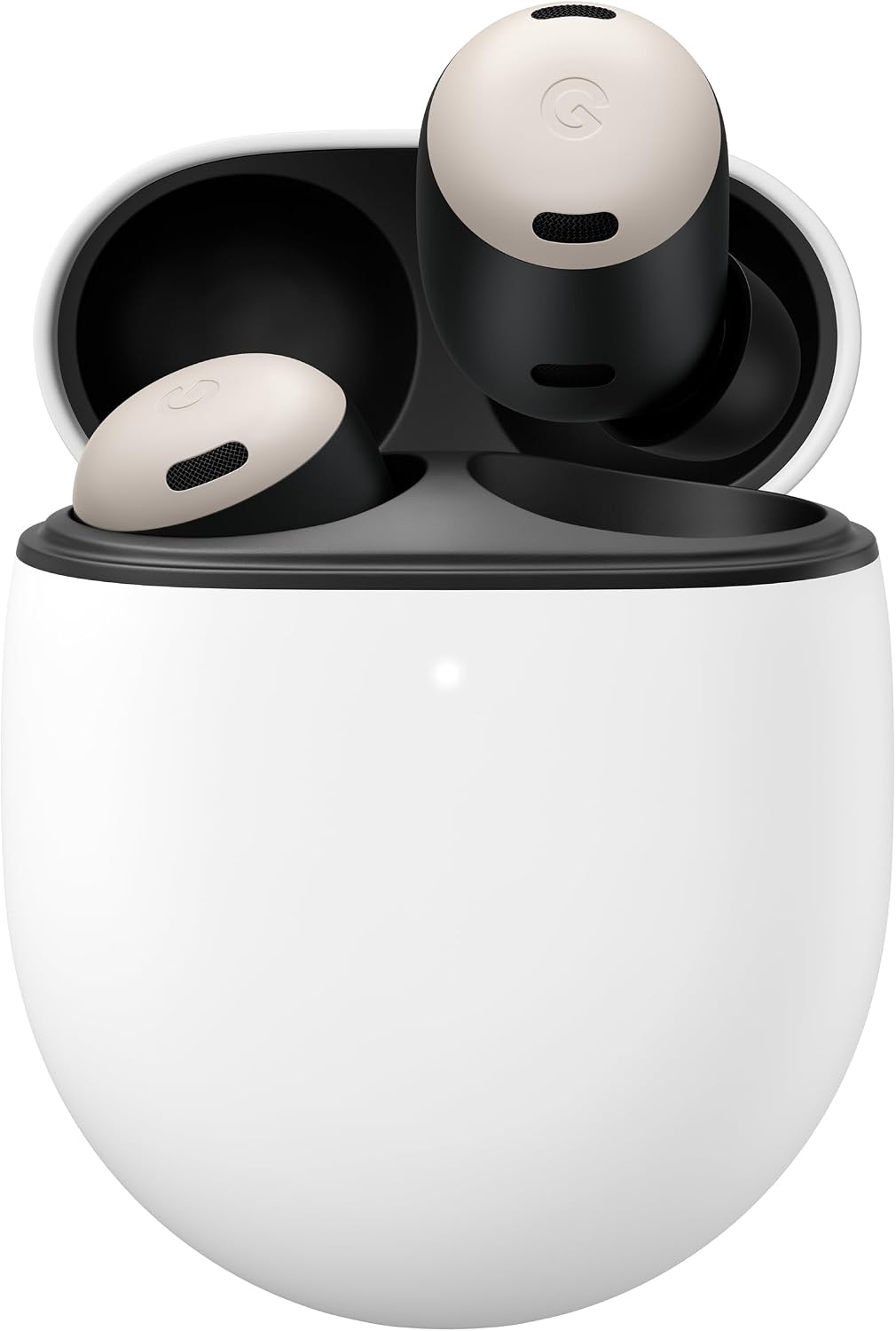
Verdict: Buy it — the most seamless, best all-round earbuds for a Chromebook.
Google Pixel Buds A-Series — best value
Want the slick Google experience without the flagship price? The Pixel Buds A-Series deliver the same Fast Pair one-tap setup and clean ChromeOS integration as their pricier sibling, with a balanced, pleasant sound and a comfortable lightweight fit. Battery runs about 5 hours per charge and 24 hours total with the USB-C case, which is plenty for a school or work day.
It’s the pick for students and anyone who wants reliable, no-fuss Google buds on a budget. The honest cons: there’s no active noise cancelling, so they won’t hush a loud room, and the feature set is simpler than the Pro 2. But for the cleanest cheap Chromebook pairing experience, they’re the smart-money choice.
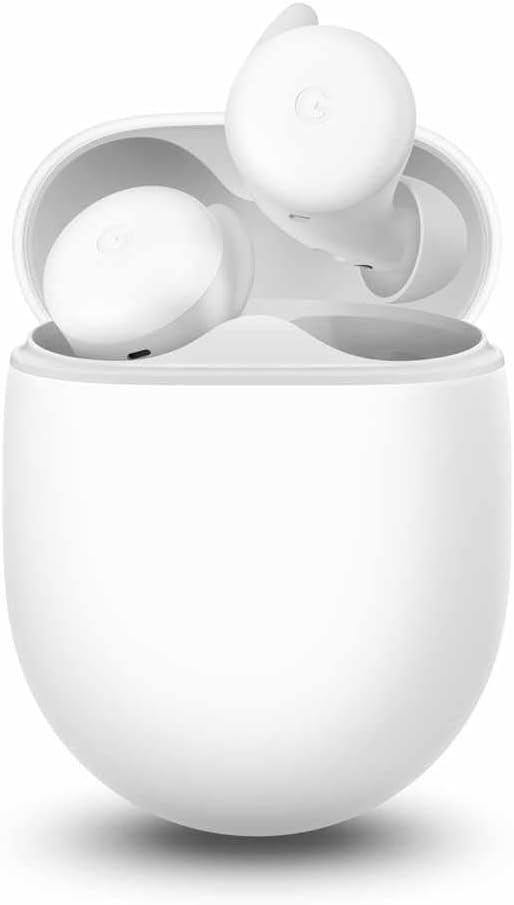
Verdict: Buy it — the best value pick if you want simple Google buds and don’t need ANC.
Sony WF-C700N — best affordable noise cancelling
If you want to actually block out the world without spending a lot, the WF-C700N is Sony’s compact, lightweight noise-cancelling bud, and it’s a brilliant fit for Chromebook life. The ANC genuinely quiets background chatter for focus, the buds are small and comfy enough for all-day wear, and crucially they support multipoint — so they stay paired to your Chromebook and your phone at once and switch automatically when a call comes in.
It’s the pick for students and remote workers who want real ANC, comfort and device-switching at a sensible price. The cons: sound and ANC aren’t quite flagship-grade, and there’s no wireless charging. But as affordable noise cancelling that plays nicely with a Chromebook, it’s hard to beat.
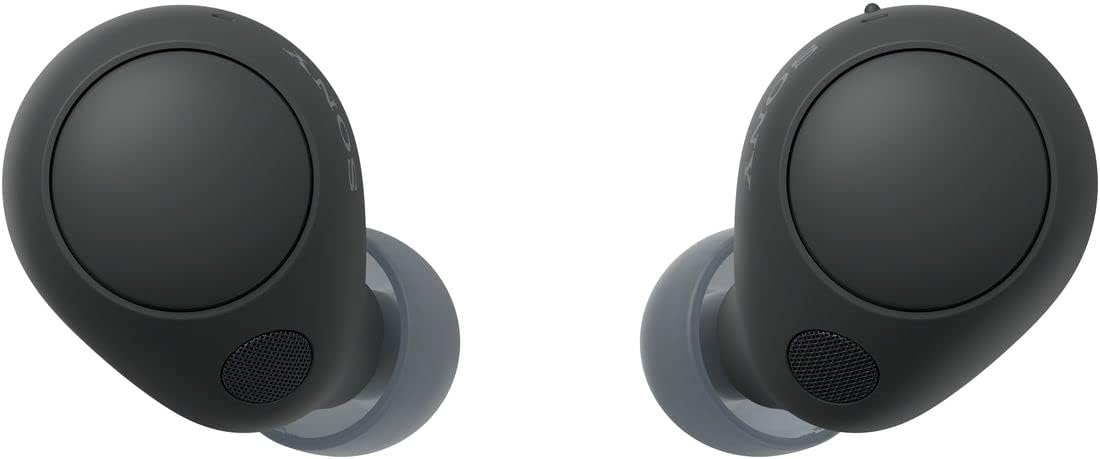
Verdict: Buy it — the best affordable ANC pick, with the multipoint a Chromebook-plus-phone user wants.
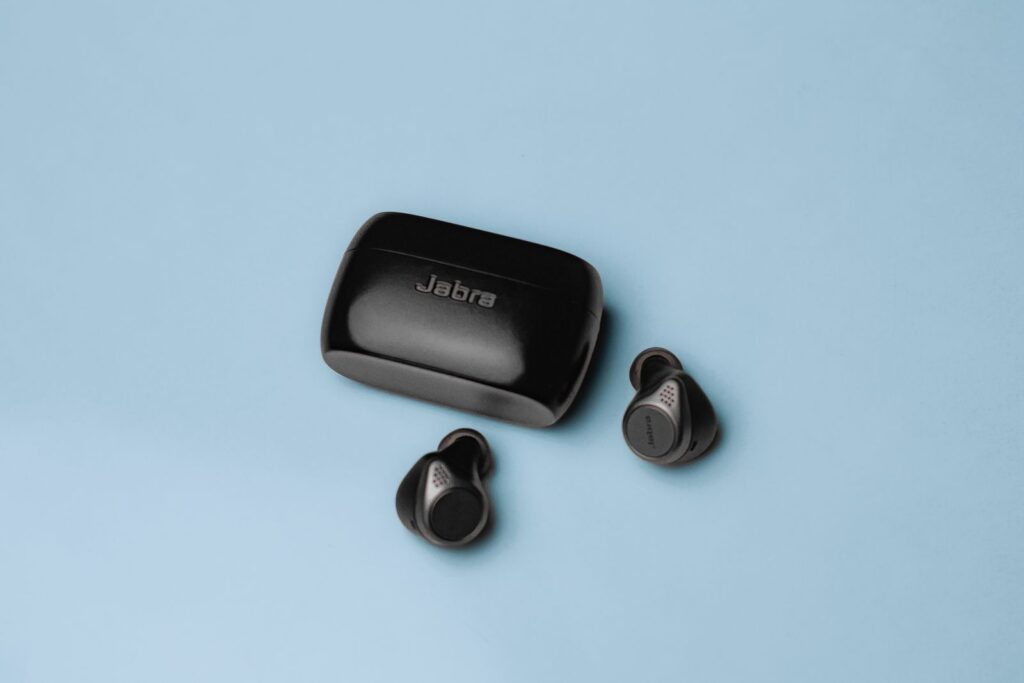
Jabra Elite 4 — best for Google Meet and Zoom calls
When your Chromebook day is wall-to-wall calls, the microphone is the spec that matters, and Jabra has long made the clearest-talking earbuds in this price range. The Elite 4 picks up your voice cleanly while filtering background noise, so you come through crisp on Google Meet, Zoom or a phone call. It also brings real ANC and multipoint, so you can take a call on your Chromebook and a call on your phone without re-pairing.
It’s the pick for anyone whose Chromebook is a meeting machine — remote workers, virtual assistants, online students presenting. The cons: the styling is understated rather than flashy, and the companion app is more functional than fun. But for sounding professional on calls, it’s the standout here.
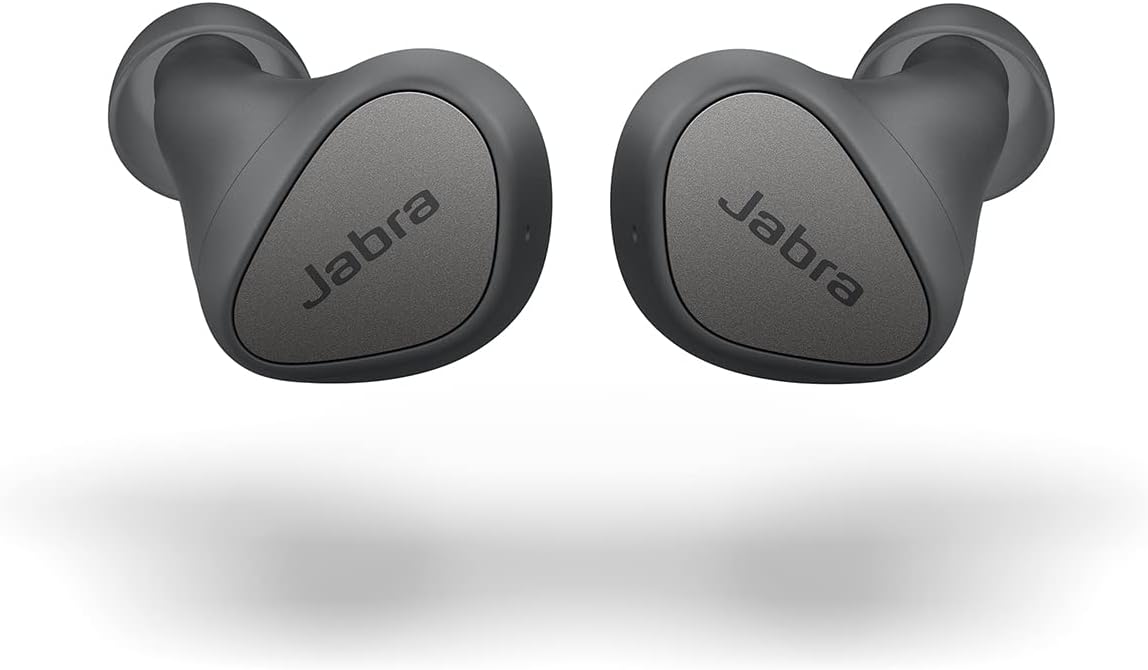
Verdict: Buy it — the best choice if your Chromebook is mostly for calls.
Soundcore Liberty 4 NC — best budget noise cancelling
Anker’s Soundcore line has quietly become the value king of earbuds, and the Liberty 4 NC is the proof: it packs strong active noise cancelling, punchy sound, long battery and Fast Pair into a price that undercuts the big names by a wide margin. For a Chromebook user who wants quiet study sessions without spending Pro money, it delivers a remarkable amount.
It’s the pick if ANC-per-dollar is your priority and you don’t need a premium badge. The honest cons: the call mic is good rather than great, and the bassy default tuning isn’t for everyone (the app’s EQ helps). But as the most noise cancelling you can get for the money on a Chromebook, it’s an easy recommendation — and pairs well with our wider wireless earbuds picks.
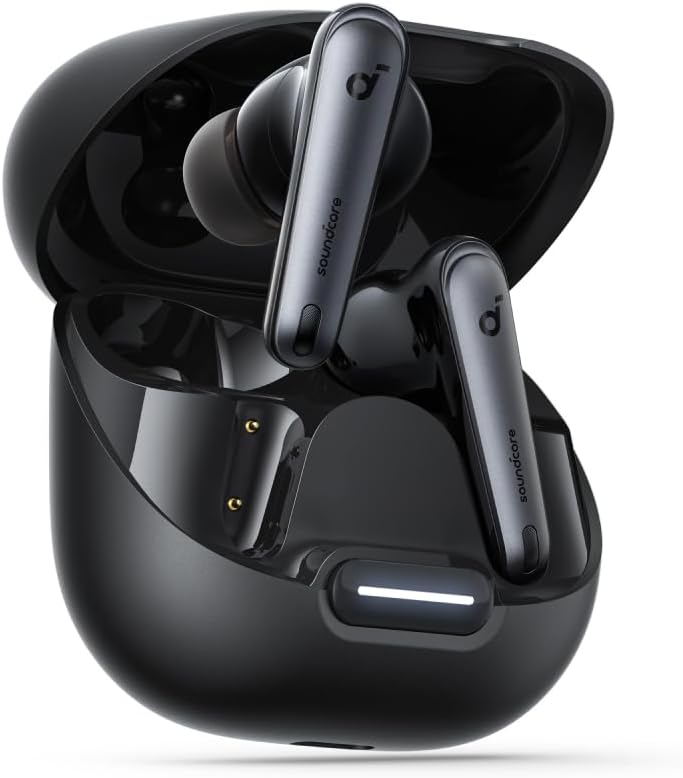
Verdict: Buy it — the best ANC-per-dollar pick for a budget-conscious Chromebook user.
Nothing Ear (a) — best for style and battery
If you want earbuds that look like nothing else and last forever, the Nothing Ear (a) stand out — literally, with their transparent design — and back it up with serious specs: 45dB hybrid ANC, six microphones, Hi-Res audio with LDAC, and around 42 hours of total battery with the case. Fast Pair means they still set up on a Chromebook in one tap, so you’re not trading convenience for personality.
It’s the pick for the Chromebook user who wants a distinctive look, strong noise cancelling and battery that outlasts everything else here. The honest cons: the higher-quality LDAC codec is mainly an Android benefit (ChromeOS leans on AAC), and the bold styling won’t be for everyone. But for character plus genuine substance, it’s a delight.
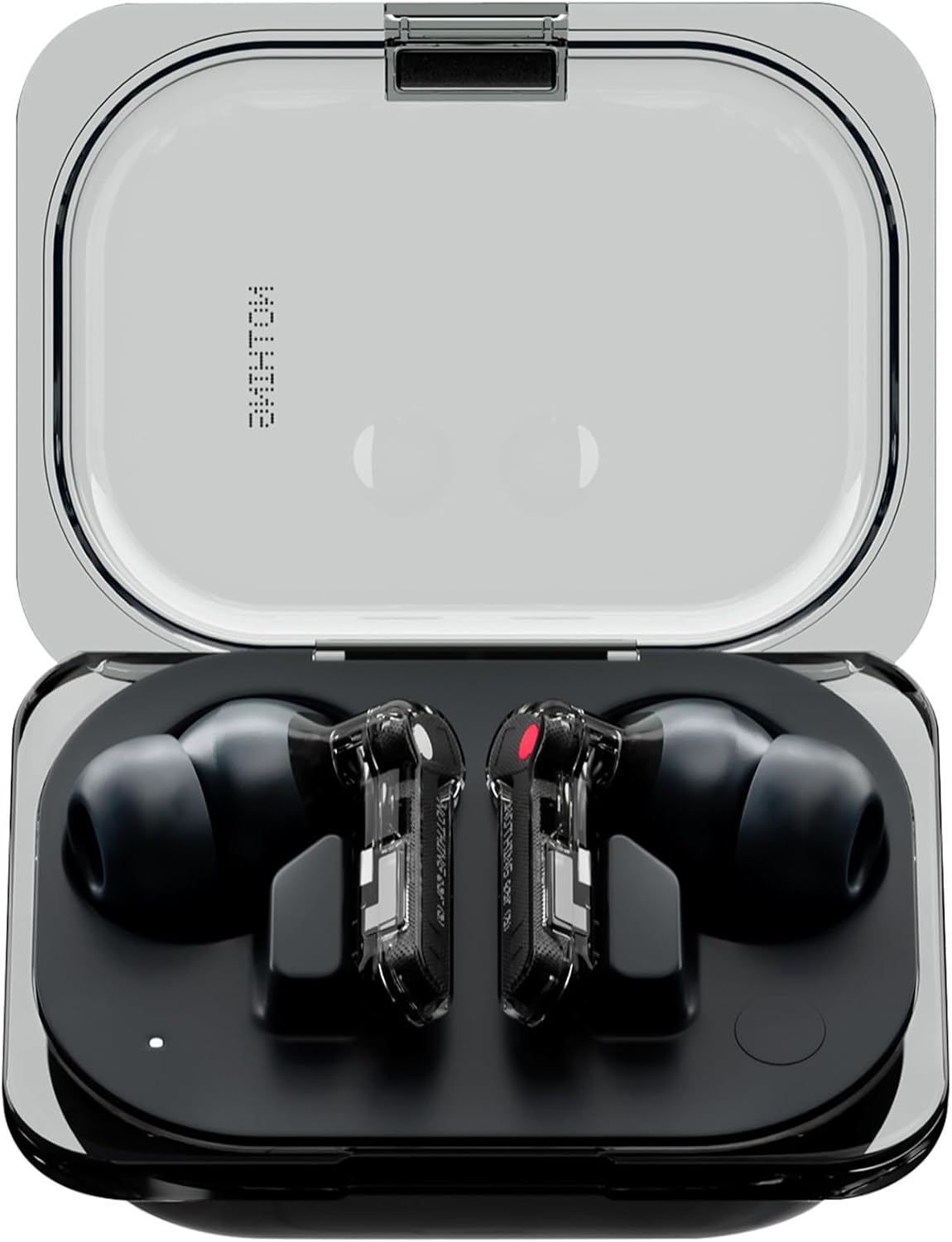
Verdict: It depends — perfect if you want style and battery; a Pixel pick is simpler for pure Google integration.
How to choose wireless earbuds for a Chromebook
Since almost any pair connects, focus on what makes them better day to day:
- Look for Google Fast Pair. ChromeOS supports it, so Fast Pair earbuds show a one-tap pairing card the moment you open the case — no diving into Bluetooth settings. It’s the closest thing to AirPods-style instant pairing on a Chromebook.
- Prioritise the microphone if you take calls. Chromebooks are video-call machines, and call mics vary wildly. If Meet and Zoom fill your day, a call-focused pair like Jabra earns its place; if your laptop’s camera and mic are weak, good earbud mics fix half the problem.
- Multipoint saves real hassle. Earbuds with multipoint stay connected to your Chromebook and your phone simultaneously and switch automatically — no manual re-pairing every time you swap devices.
- AAC and Bluetooth 5.x matter more than fancy codecs. ChromeOS handles AAC well, which keeps audio in sync with video; premium codecs like LDAC are mostly an Android perk. A stable Bluetooth 5.0+ connection matters more for Chromebook use than a spec-sheet codec.
- ANC is optional, comfort isn’t. Noise cancelling is great for focus but adds cost; if you wear buds through long classes or shifts, a light, comfortable fit matters just as much.
For broader options beyond Chromebook-specific picks, browse our wireless earbuds hub and the wider audio guides.
Frequently asked questions
Do all wireless earbuds work with a Chromebook?
Essentially yes. ChromeOS supports standard Bluetooth, so almost any wireless earbuds will pair and work for music, video and calls. The differences come down to convenience and quality: earbuds with Google Fast Pair set up in one tap, and models with better microphones and multipoint are simply nicer to use day to day on a Chromebook.
What is Google Fast Pair and does it work on a Chromebook?
Fast Pair is Google’s quick-pairing feature: open a supported earbud case near your device and a one-tap setup card appears, skipping the Bluetooth menu. It works on ChromeOS as well as Android, which is why Fast Pair earbuds — like the Pixel Buds, plus many Sony, Jabra, Soundcore and Nothing models — are especially convenient on a Chromebook.
Are wireless earbuds good for Google Meet on a Chromebook?
Yes, and they often improve calls noticeably. Earbud microphones sit closer to your mouth than a laptop’s built-in mic and many filter background noise, so you come through clearer on Google Meet or Zoom. If calls are a big part of your day, prioritise a call-focused pair such as the Jabra Elite 4 for the clearest voice pickup.
Can you connect earbuds to a Chromebook and a phone at the same time?
Yes, if the earbuds support multipoint Bluetooth. Multipoint keeps the buds connected to two devices at once — your Chromebook and your phone — and switches automatically, for example pausing your laptop’s audio to take a call on your phone. The Sony WF-C700N and Jabra Elite 4 in this guide both offer it.
Do you need special earbuds for a Chromebook?
No. You don’t need Chromebook-specific or Google-branded earbuds — any Bluetooth pair works. Google’s own Pixel Buds offer the deepest integration, but third-party earbuds with Fast Pair, a good mic and multipoint give you most of the same convenience. Buy based on those features rather than a “for Chromebook” label.
Why won’t my earbuds connect to my Chromebook?
Usually it’s a pairing-mode issue. Make sure the earbuds are in pairing mode (often by holding a button or opening the case), then go to Settings > Bluetooth on your Chromebook and select them. If they were previously paired to a phone, multipoint or “forgetting” the device on the phone can help. A quick Bluetooth toggle or Chromebook restart resolves most stubborn cases.