Updated June 2026
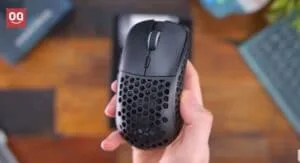
Here’s the moment that ruins a match: you’re three rounds deep, your palm warms up, and the mouse you’ve gripped a thousand times suddenly feels like a bar of wet soap. Your aim drifts. Your flick overshoots. That’s not you choking — that’s a glossy plastic shell losing to physics.
Sweaty hands don’t need a “gamer” mouse. They need three specific things: a shell that vents or grips instead of sealing sweat in, a coating with real texture, and low enough weight that you’re not death-gripping it. Nail those and the mouse stays planted whether your hands are bone-dry or dripping after a ranked grind.
TechnoQia is reader-supported: if you buy through the Amazon links below, we earn a small commission at no extra cost to you — it doesn’t change which mice make this list or where they place. Every pick here was chosen for its grip, coating, and ventilation under sweat, not its RGB. Ratings and review counts are pulled live from Amazon and reflect the moment this guide was updated.
This guide is for anyone whose hands run hot — claw, palm, or fingertip grip, small hands or large. We’ll name the spec that decides each pick, give you an honest Buy / Skip / It depends, and point you to the cheapest one that still solves the problem.
- Best for most sweaty hands: the Glorious Model O 2 Wireless — 68g, a matte micro-textured shell that bites back when your palm gets damp.
- Best honeycomb for the money: the Cooler Master MM711 — 60g, a fully vented shell and a water-resistant internal coating.
- Cheapest one that still works: the Logitech G203 Lightsync — a grippy matte finish, no honeycomb gimmicks.
The sweaty-hands shortlist, compared
Six mice, scored on what actually matters when your hands heat up — weight, the anti-sweat feature, and grip style. Product names link to Amazon.
| Mouse | Weight | Anti-sweat feature | Rating | Best for |
|---|---|---|---|---|
| Glorious Model O 2 Wireless | 68g | Matte micro-texture shell | 4.4 ★ | Most people, ambidextrous |
| Cooler Master MM711 | 60g | Full honeycomb + water-resistant PCB | 4.5 ★ | Value, max ventilation |
| Razer Viper V3 HyperSpeed | 82g | Textured rubber side grips | 4.4 ★ | Wireless, claw/fingertip |
| Logitech G203 Lightsync | 85g | Grippy matte finish | 4.6 ★ | Budget, smaller hands |
| Razer DeathAdder V2 | 82g | Rubberized textured side grips | 4.5 ★ | Palm grip, larger hands |
| Glorious Model D Wireless | 69g | Ergonomic honeycomb shell | 4.4 ★ | Palm grip + ventilation |
TechnoQia · sweaty-hands mouse map
Which sweaty-hands mouse is right for you?
Your grip and hand size decide the shape; one anti-sweat spec decides the pick.
Decider: 68g with a matte micro-texture that grips harder as it gets damp.
Decider: full honeycomb shell vents the palm; water-resistant internal coating shrugs off sweat.
Decider: textured rubber side grips lock your fingers in even when the top shell sweats.
Decider: a genuinely grippy matte finish — no glossy panels to slip on.
Decider: rubberized textured side grips on a tall ergonomic hump made for full palm contact.
Glorious Model O 2 Wireless — best for most sweaty hands
The Model O 2 Wireless is the mouse I’d hand 9 out of 10 sweaty-palmed gamers without a second thought. It’s not honeycomb — the shell is sealed — but Glorious nailed the thing that matters more day to day: the matte micro-textured coating has a fine grit that actually grips harder as your skin gets damp, the way a chalked grip does. At 68g it’s light enough that you stop clenching, which is half the sweat battle.
It’s ambidextrous, so claw, fingertip and relaxed palm all work, and the 26K BAMF 2.0 sensor is more sensor than anyone reading this needs. Battery is rated for the long haul and it charges over USB-C while you play. The honest con: it’s not the cheapest, and the wireless version costs noticeably more than the wired Model O 2 that grips identically.
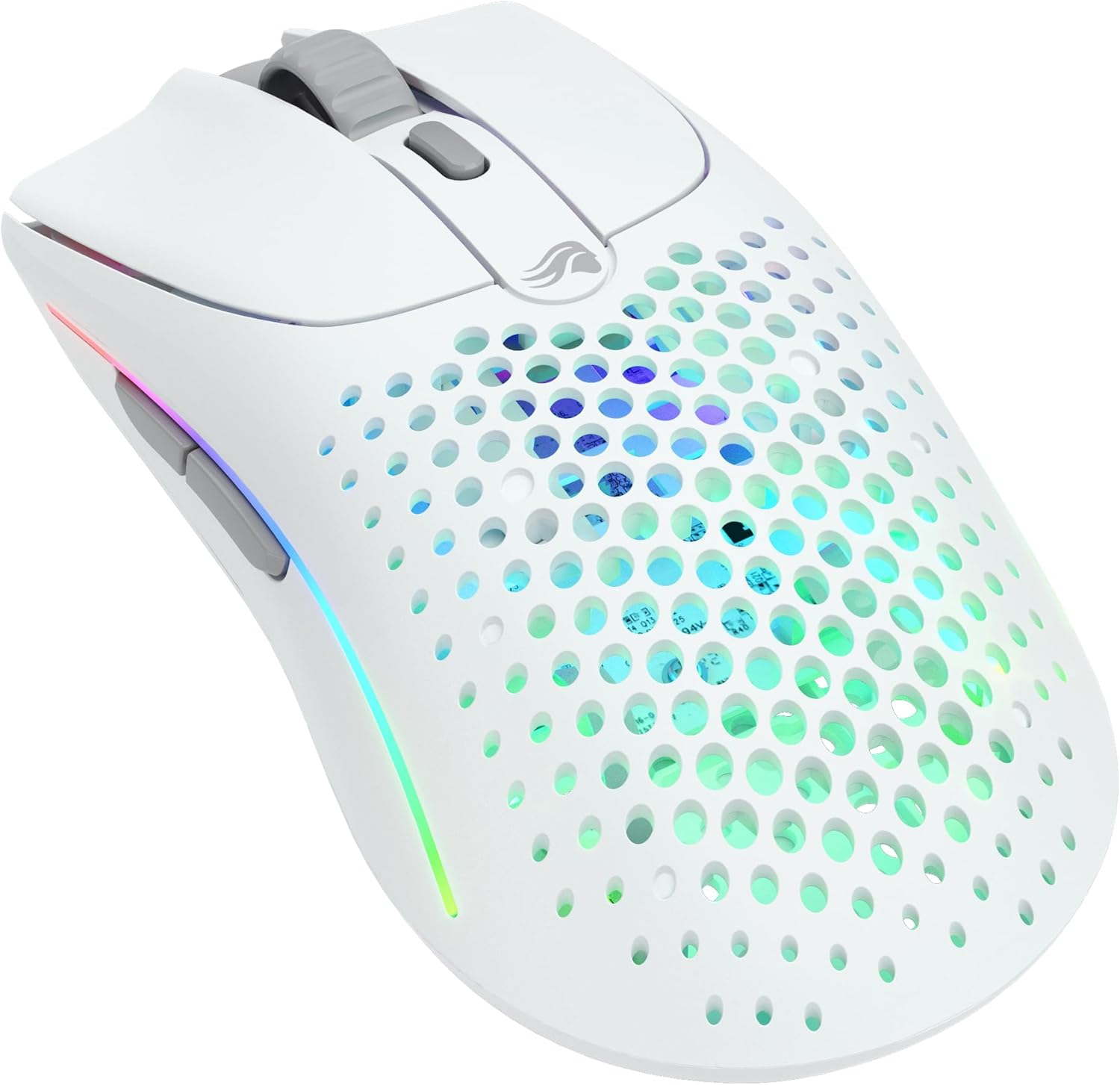
Verdict: Buy it — the best all-round pick for damp hands if you can stretch to it; the texture and low weight do the work, no airflow gimmick required.
Cooler Master MM711 — best honeycomb for the money
If your hands don’t just get tacky but genuinely wet, ventilation beats texture, and the MM711 is the cheapest honeycomb mouse I trust. The fully perforated shell lets air reach your palm so sweat evaporates instead of pooling, and — the part most round-ups miss — Cooler Master coats the internal PCB to be dust- and water-resistant, so the holes don’t become a liability. At 60g it’s feathery.
Worried that holes feel weird under your fingertips? They’re smaller than they look in photos, and most people forget about them in a day. We get into the trade-offs in our explainer on why some gaming mice have holes. The con: the cable, while light, is still a cable, and the glossy-white variant is grippier in matte black.
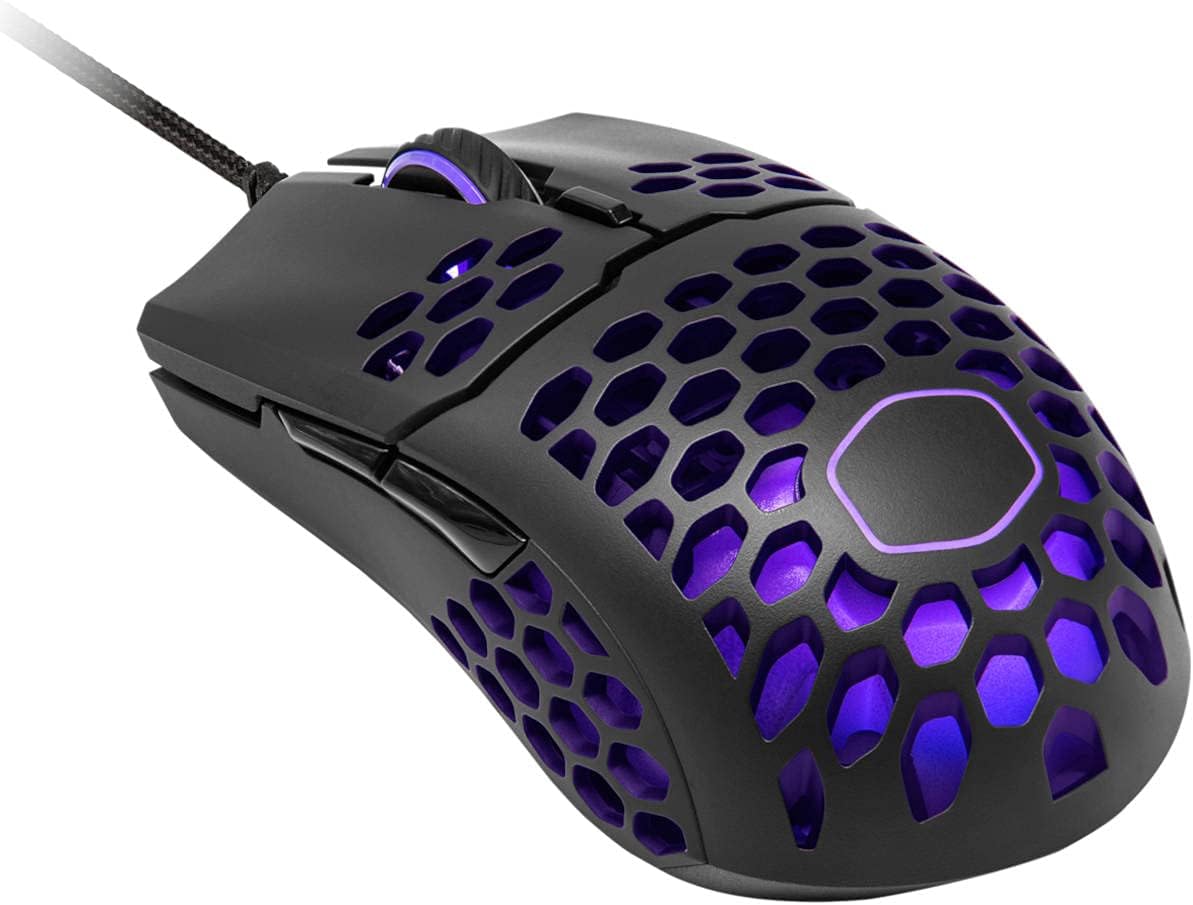
Verdict: Buy it — the value champion for hands that sweat heavily; you’re getting the most airflow on this list for the least money.
Razer Viper V3 HyperSpeed — best textured-grip wireless
Some people hate the look and feel of honeycomb but still need grip. The Viper V3 HyperSpeed solves it the other way: a smooth, sealed top shell with aggressively textured rubber side grips where your thumb and ring finger actually hold on. When the top of the mouse sweats, your control comes from the sides — and those sides don’t get slippery.
It’s 82g — heavier than the ultralights here, but it runs on a single AA and posts an absurd 280-hour battery life, so you’re not charging it weekly. The 30K sensor and HyperSpeed wireless are genuinely competition-grade. The con: at 82g, fingertip-grip players who want featherlight should look at the Model O 2 instead.
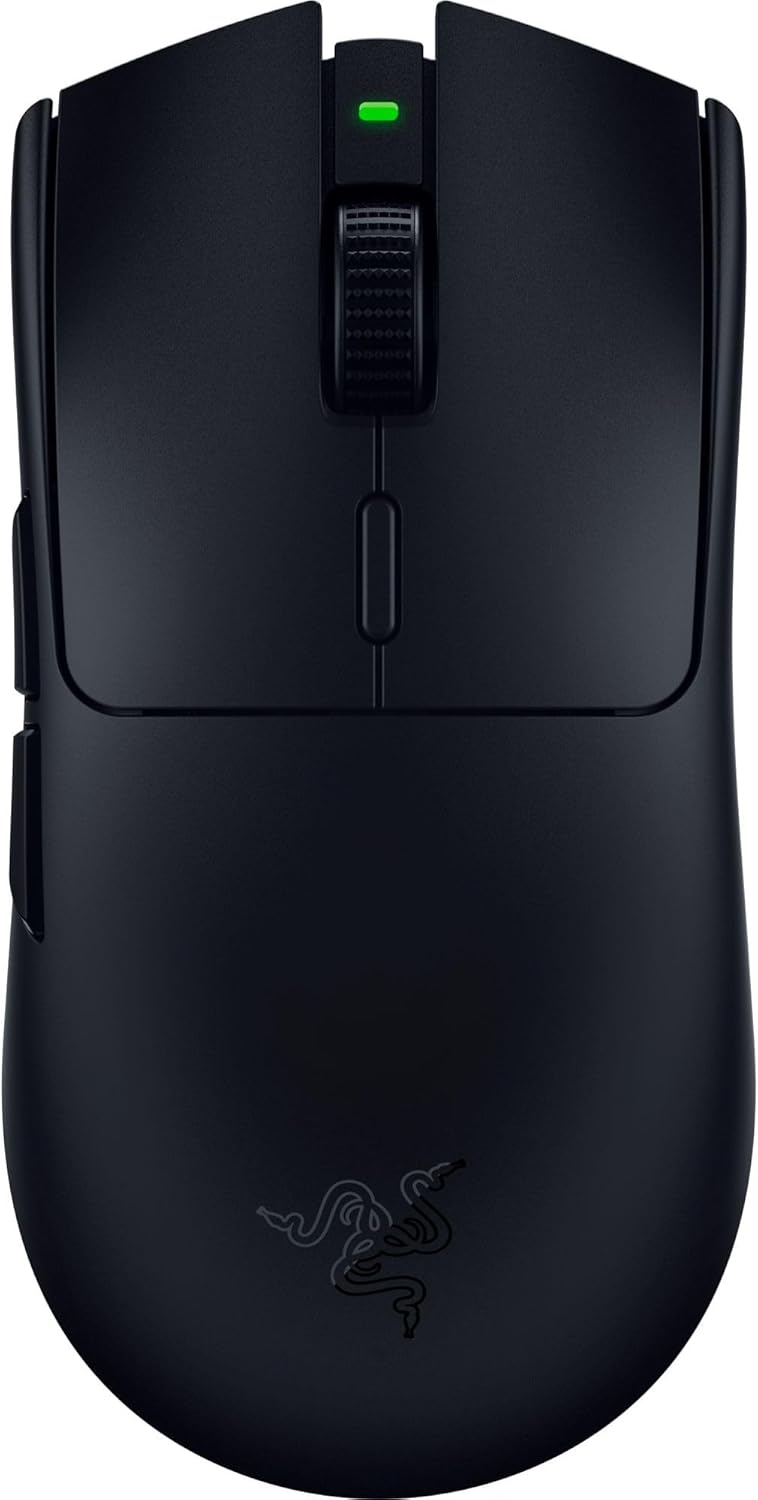
Verdict: It depends — the right call if you want wireless and side-grip security but dislike honeycomb; skip it if you want the lightest possible mouse.
Logitech G203 Lightsync — best budget pick
Not everyone wants to spend big to stop a mouse from sliding. The G203 is the sensible floor: a small, sealed mouse with a matte finish that has real grip and none of the glossy panels that turn slick. It’s the highest-rated mouse on this list — 4.6 stars across 19,000+ ratings — because it just works.
It’s 85g and not ultralight, and the shape suits small-to-medium hands and claw grip best. There’s no ventilation and no fancy coating science here — just a grippy plastic that doesn’t betray you when you’re warm. If your hands are large or you palm-grip, size up to the DeathAdder below. For most people on a budget, this is the answer.
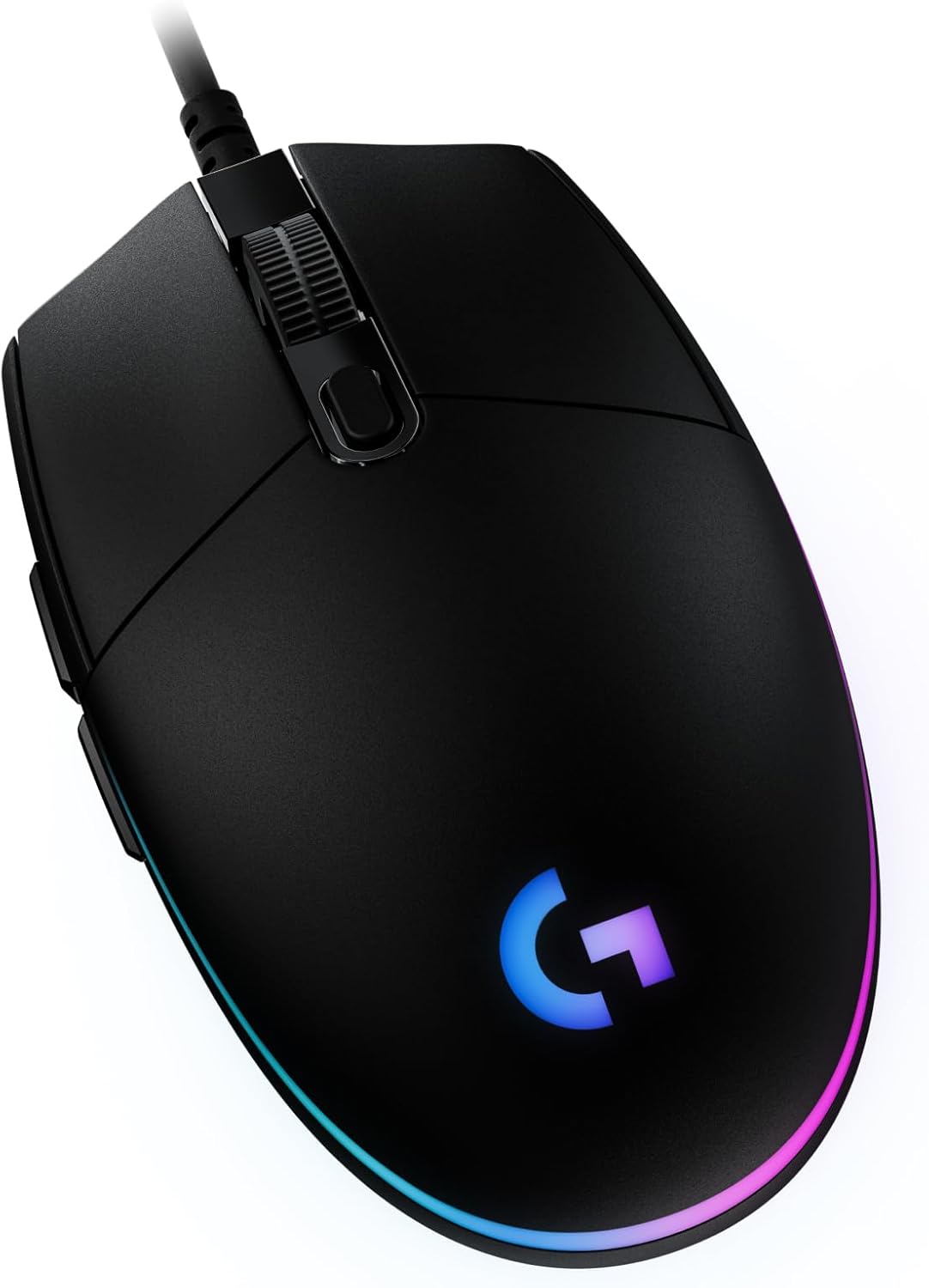
Verdict: Buy it — the best value-for-money grip on the list; ideal for smaller hands and anyone who refuses to overpay.
Razer DeathAdder V2 — best for palm grip and larger hands
Palm grippers have a specific sweat problem: your whole hand is in contact with the shell, so a slippery top is a disaster. The DeathAdder V2’s tall ergonomic hump fills the palm, and crucially it has rubberized, textured side grips that stay tacky when wet. It’s the comfort pick for big hands that also happen to sweat.
At 82g it’s substantial, which palm grippers usually prefer — a light mouse under a heavy palm feels twitchy. The optical switches and 20K sensor are still excellent years on. The con: it’s a right-hand-only shape, and if you want the same comfort with ventilation, the Model D below is the upgrade. Large-handed players should also read our guide to the best ergonomic mice for large hands.
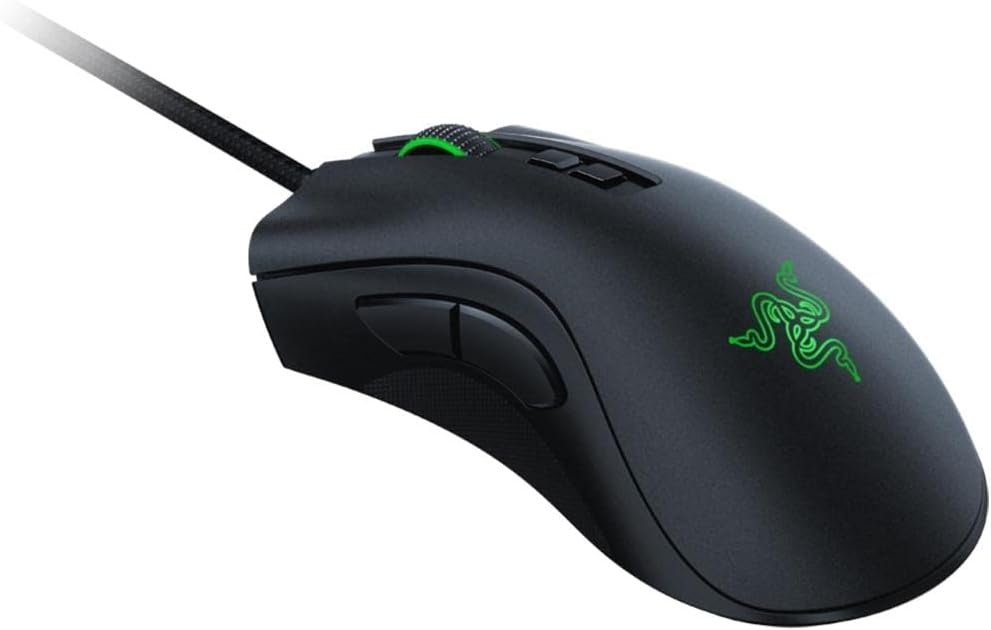
Verdict: Buy it — the best palm-grip pick for larger, hotter hands; right-handers only, and worth it for the side-grip security alone.
Glorious Model D Wireless — best ergonomic honeycomb
This is the DeathAdder’s shape with the MM711’s ventilation — an ergonomic hump for palm grip, drilled with a honeycomb shell so air still reaches your skin. At 69g wireless it’s remarkably light for an ergo mouse, and the matte shell between the holes grips well. If you palm-grip and sweat heavily, this is the most complete answer on the list.
You pay for that combination: it’s the priciest pick here, and the honeycomb shell with a comfort hump won’t suit anyone who’s squeamish about holes near their fingertips. If you want the comfort without the price or the holes, the DeathAdder V2 is the pragmatic choice; if you want the lightest ambidextrous option, loop back to the Model O 2.
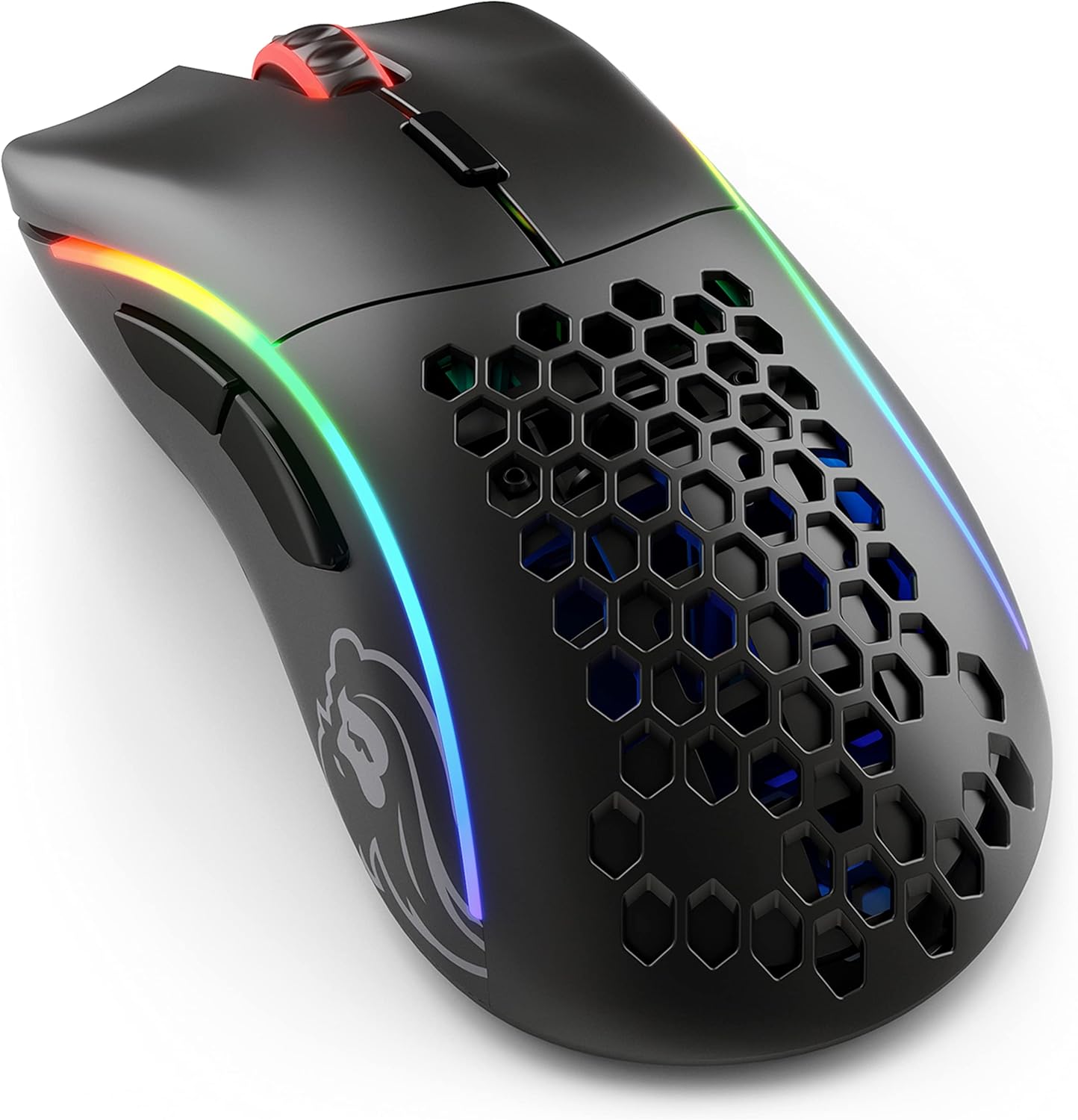
Verdict: It depends — buy it if you palm-grip and sweat heavily and want both comfort and airflow; skip it if the price or the holes put you off.
How to choose a gaming mouse for sweaty hands
Think of mouse coatings like tyres in the rain. A glossy, smooth shell is a slick racing tyre — brilliant on a dry track, lethal the moment it’s wet. A matte, micro-textured shell is a rain tyre: the grooves give the water somewhere to go so rubber still meets road. When you’re shopping for sweaty hands, you’re buying rain tyres. Four things decide it:
- Coating texture over everything. Matte and micro-textured beats glossy every time. If a listing brags about a “premium glossy finish,” that’s the slick tyre — walk away.
- Ventilation if you sweat heavily. A honeycomb shell lets the palm breathe so sweat evaporates instead of pooling. The holes look extreme but solve a real problem — more on that in our piece on why gaming mice have holes.
- Weight, because grip force creates sweat. A heavy mouse makes you clench, and clenching makes you sweat. Most sweaty-hands players do better at 60–70g than at 90g+.
- Textured side grips. Even a sealed shell stays controllable if the sides — where your thumb and outer fingers hold — are rubberized and textured. That’s the Viper and DeathAdder approach.
One cheap insurance policy regardless of which mouse you buy: a strip of grip tape on the main buttons and sides costs a few dollars and turns almost any shell into a grippy one. And if cold, clammy hands are your issue rather than hot sweaty ones, that’s a different fix — see our tips on keeping your hands warm while gaming. Browse the rest of our gaming mouse guides if you want to compare shapes for a specific grip.
Frequently asked questions
Are honeycomb mice good for sweaty hands?
Yes — they’re one of the best designs for it. The perforated shell lets air circulate against your palm so sweat evaporates instead of pooling under your hand. Just make sure the model has a water- or dust-resistant internal coating, like the Cooler Master MM711, so the holes don’t expose the electronics. The holes are smaller than they look and most people forget about them within a day.
How do I stop my hand from sweating while gaming?
Tackle it from two sides: the room and the mouse. Keep the room cool and a small fan aimed at your hands helps more than anything. On the hardware side, pick a lightweight, matte-textured or vented mouse so you grip it less tightly — grip force is what triggers the sweating in the first place. Wiping your hands and the mouse between rounds, and a quick strip of grip tape, handle the rest.
Does grip tape actually help with sweaty hands?
It genuinely does, and it’s the cheapest upgrade you can make. Grip tape adds a textured, slightly absorbent layer over the buttons and sides that stays tacky when damp, turning a slippery glossy shell into a grippy one for a few dollars. It’s a smart insurance policy on any mouse, even the textured ones on this list.
Is a lighter mouse better for sweaty hands?
Usually, yes. A heavy mouse makes you clench to control it, and clenching is a direct trigger for palm sweat. Dropping from 90g+ to the 60–70g range lets you hold the mouse with a relaxed hand, which both reduces sweating and keeps your aim looser. That’s why most picks here sit under 70g.
Are wireless mice good for sweaty hands?
Wireless has no downside for sweat specifically, and one real upside: modern wireless mice like the Glorious Model O 2 and Razer Viper V3 HyperSpeed are often lighter than their wired counterparts because there’s no cable drag forcing a firmer grip. As long as the shell coating and weight are right, wired versus wireless is purely your preference.
What mouse grip is best for sweaty hands?
Fingertip and claw grips fare best because less of your skin touches the shell, so there’s less surface to get slippery and more airflow underneath. Palm grippers aren’t out of luck — they just need a mouse with textured rubber side grips or a honeycomb shell, like the Razer DeathAdder V2 or Glorious Model D, so the larger contact area still stays planted.