Updated June 2026
If your hand cramps after an hour at the desk, the problem usually isn’t your hand — it’s the mouse. Most mice are built for a 19cm palm. If yours is smaller, you end up clawing a shell that’s too long, stretching for buttons, and lifting from the wrist instead of gliding. Do that for a few thousand hours and your hand lets you know.
The fix is fit, and fit is a number. For small hands, you want a mouse that’s roughly 105–120mm long and under 65mm wide, light enough to move from the fingers, and shaped so your grip lands naturally on the buttons. Nail those and the “ergonomic” part takes care of itself — comfort is mostly just the right size.
TechnoQia is reader-supported: if you buy through the Amazon links below we earn a small commission at no extra cost to you, and it never changes which mice make the list. Every pick here was chosen on dimensions and shape for a smaller hand — across everyday work, wrist-saving verticals, and gaming — not on brand noise. Ratings and review counts are pulled live from Amazon at the time of this update.
This guide is for anyone with small hands — whether you’re fighting wrist strain at work, want a compact travel mouse, or need something light enough to flick in games. We name the fit spec that decides each pick and give you an honest Buy / Skip / It depends.
- Best for most small hands: the Logitech MX Anywhere 3S — a 100mm compact body that fills a small palm without overreach.
- Best for wrist pain: the Logitech Lift — a vertical mouse Logitech actually designed for small-to-medium hands.
- Cheapest that still fits: the Logitech Pebble M350 — a slim, silent 107mm mouse, the budget pick.
The small-hands shortlist, compared
Six mice, scored on what decides fit for a smaller hand — length, type, and the shape that suits it. Product names link to Amazon.
| Mouse | Length | Type | Rating | Best for |
|---|---|---|---|---|
| Logitech MX Anywhere 3S | 100mm | Compact ergonomic | 4.4 ★ | Everyday work, all-round |
| Logitech Lift Vertical | 108mm | Vertical | 4.4 ★ | Wrist pain, long desk days |
| Logitech G305 Lightspeed | 100mm | Wireless gaming | 4.6 ★ | Small-handed gamers |
| Razer Viper Mini | 118mm | Ultralight gaming | 4.6 ★ | Claw/fingertip, budget |
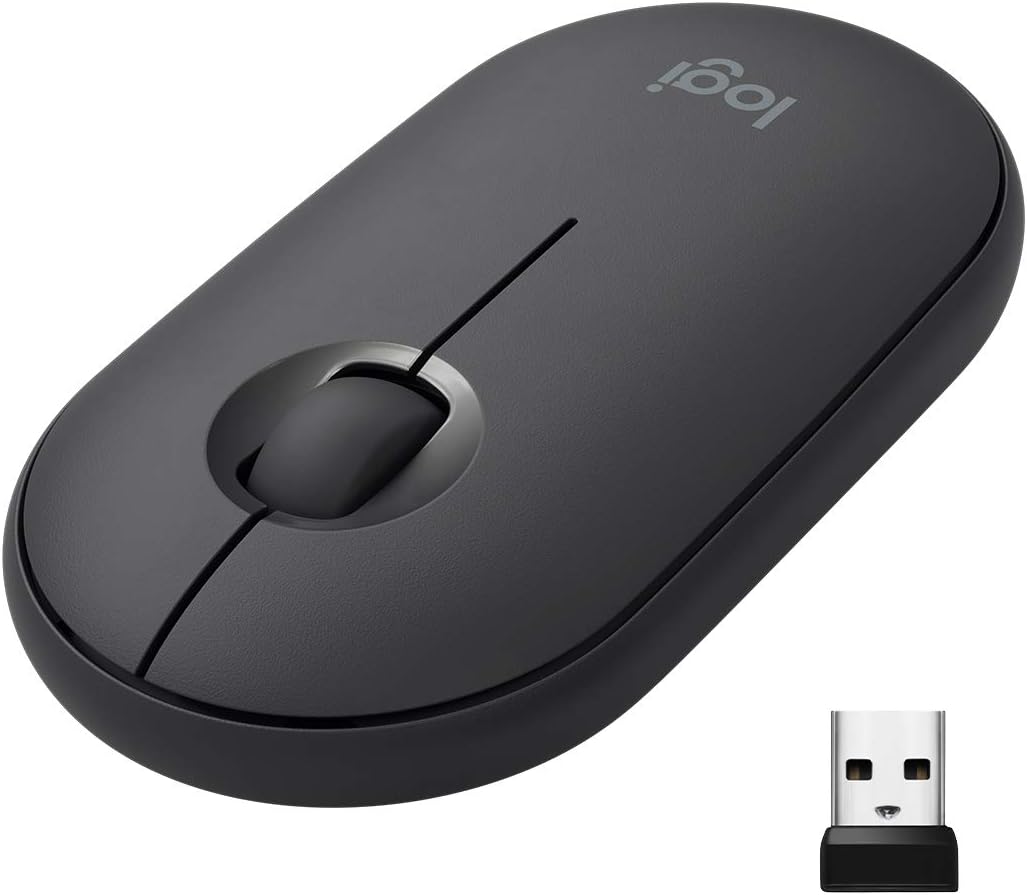
| Logitech Pebble M350 | 107mm | Slim everyday | 4.4 ★ | Travel, quiet, budget |
| Anker Wireless Vertical | Compact | Vertical | 4.2 ★ | Budget wrist relief |
TechnoQia · small-hands mouse map
Which small-hands mouse is right for you?
What you do at the desk decides the type; one fit spec decides the pick.
Decider: a 100mm compact body fills a small palm with zero overreach.
Decider: a 57° vertical shape Logitech sized specifically for small-to-medium hands.
Decider: a 100mm wireless shell at 99g — short enough to claw, light enough to flick.
Decider: 61g and a narrow 53mm waist made for smaller fingers, at a budget price.
Decider: a slim 107mm, 26mm-low profile with silent clicks — pocketable and easy on the budget.
Logitech MX Anywhere 3S — best for most small hands
The MX Anywhere 3S is the compact version of Logitech’s flagship MX line, and at roughly 100mm long and 65mm wide it lands almost exactly in the small-hand sweet spot. You get a full sculpted shape and a thumb rest without the body running past your palm, so you control it from the hand instead of clawing the tip. The MagSpeed wheel free-spins through long documents and the clicks are genuinely quiet.
It’s an everyday/productivity mouse first — 8K DPI tracks on glass and any desk, and it pairs to three devices. The honest con: it’s the priciest all-rounder here, and gamers should skip it (there’s no low-latency wireless — that’s what the G305 is for). For work and browsing in a small hand, nothing here is more comfortable.
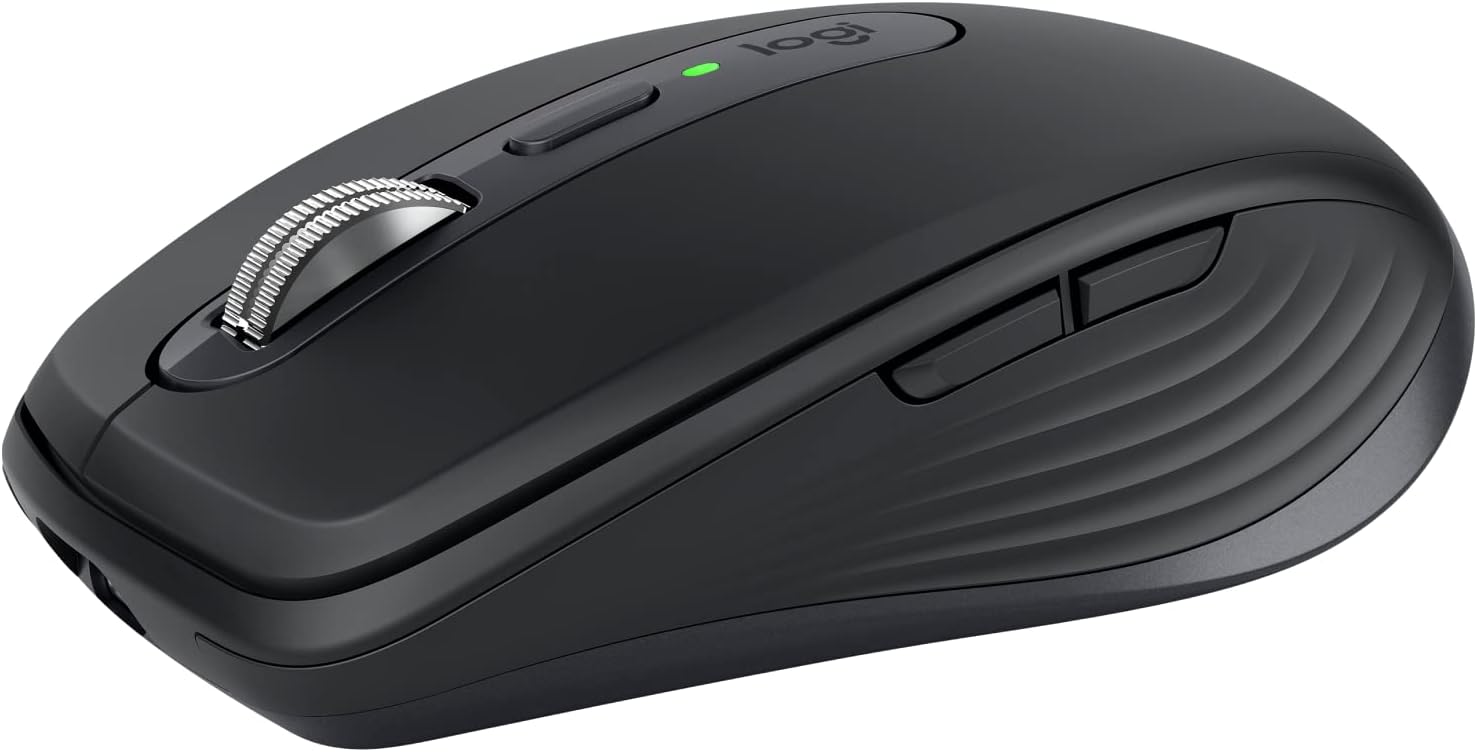
Verdict: Buy it — the best all-round comfort pick for a small hand at the desk; skip only if you mainly game or want to spend less.
Logitech Lift Vertical — best for wrist pain
If your wrist or forearm aches by mid-afternoon, a vertical mouse rotates your hand into a neutral “handshake” position that takes the twist out of your forearm. The catch with most verticals is they’re huge. The Lift is the exception: Logitech designed it specifically for small-to-medium hands, so the 108mm body and 57° angle support your palm without forcing a stretch.
It’s quiet, runs two years on one AA, and pairs to multiple devices. The honest cons: a vertical shape has a learning curve of a day or two, and it’s strictly for productivity — you can’t game on it. If your hands are larger, its big sibling the MX Vertical fits better; if they’re small, this is the one. It’s the natural step up if you’ve already read our guide to the best ergonomic mice for large hands and realised you need the opposite.
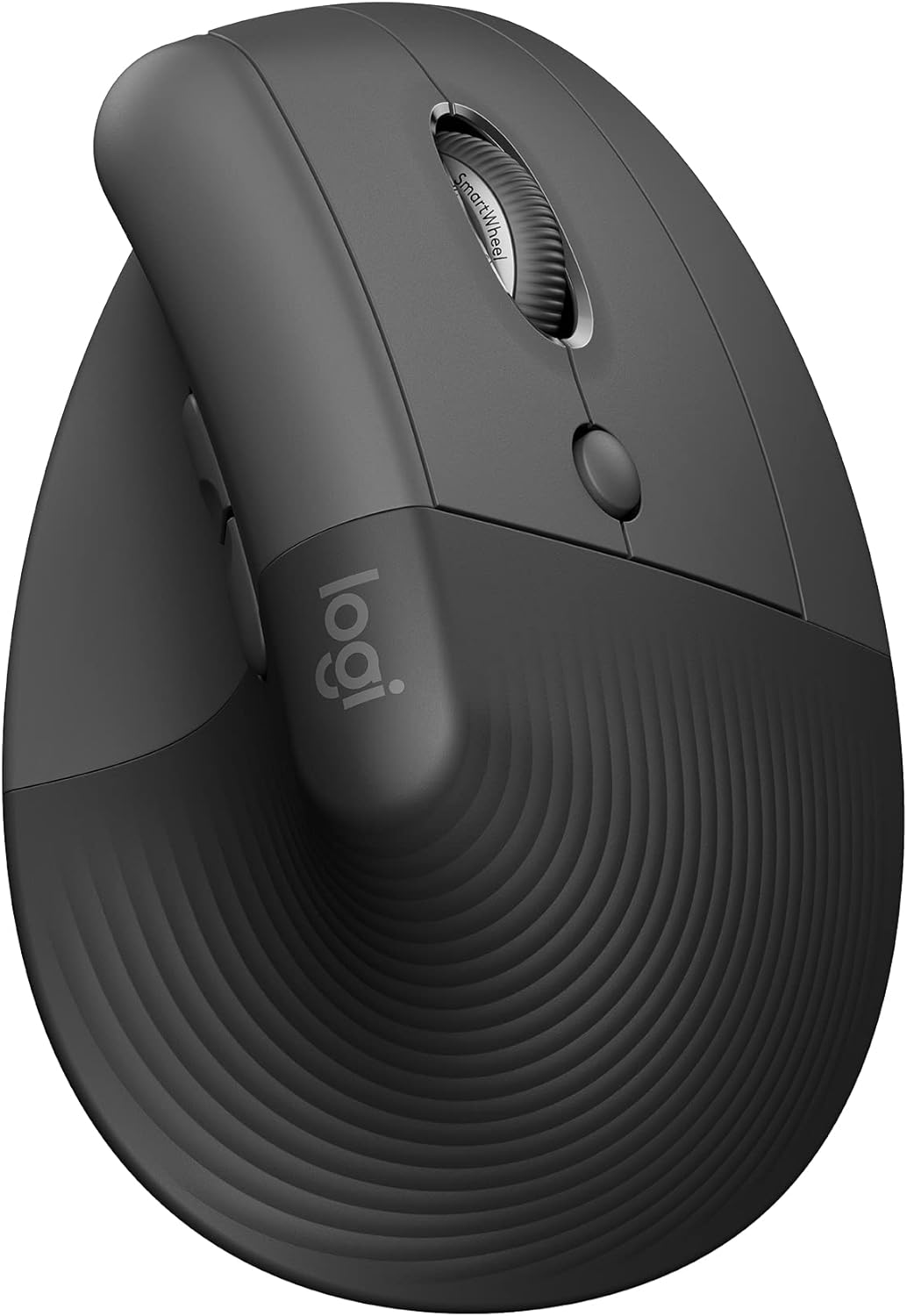
Verdict: Buy it — the best small-hand answer to wrist strain; the only vertical here that won’t swallow a smaller hand.
Logitech G305 Lightspeed — best for small-handed gamers
The G305 is the compact gaming pick that small hands reach for again and again. At 99.6mm long and 99g, it’s short enough to claw comfortably and light enough to flick, with Logitech’s Lightspeed wireless — there’s no latency penalty versus wired. It runs 250 hours on a single AA, so battery anxiety isn’t a thing.
It’s the highest-rated gaming mouse on this list (4.6 stars across 38,000+ ratings). The honest con: the symmetrical shape suits claw and fingertip grips best — full palm grippers with tiny hands may want the even shorter shape of the Viper Mini below. If you’re weighing how much weight matters for your aim, our breakdown of heavy vs light mice for gaming is worth two minutes.
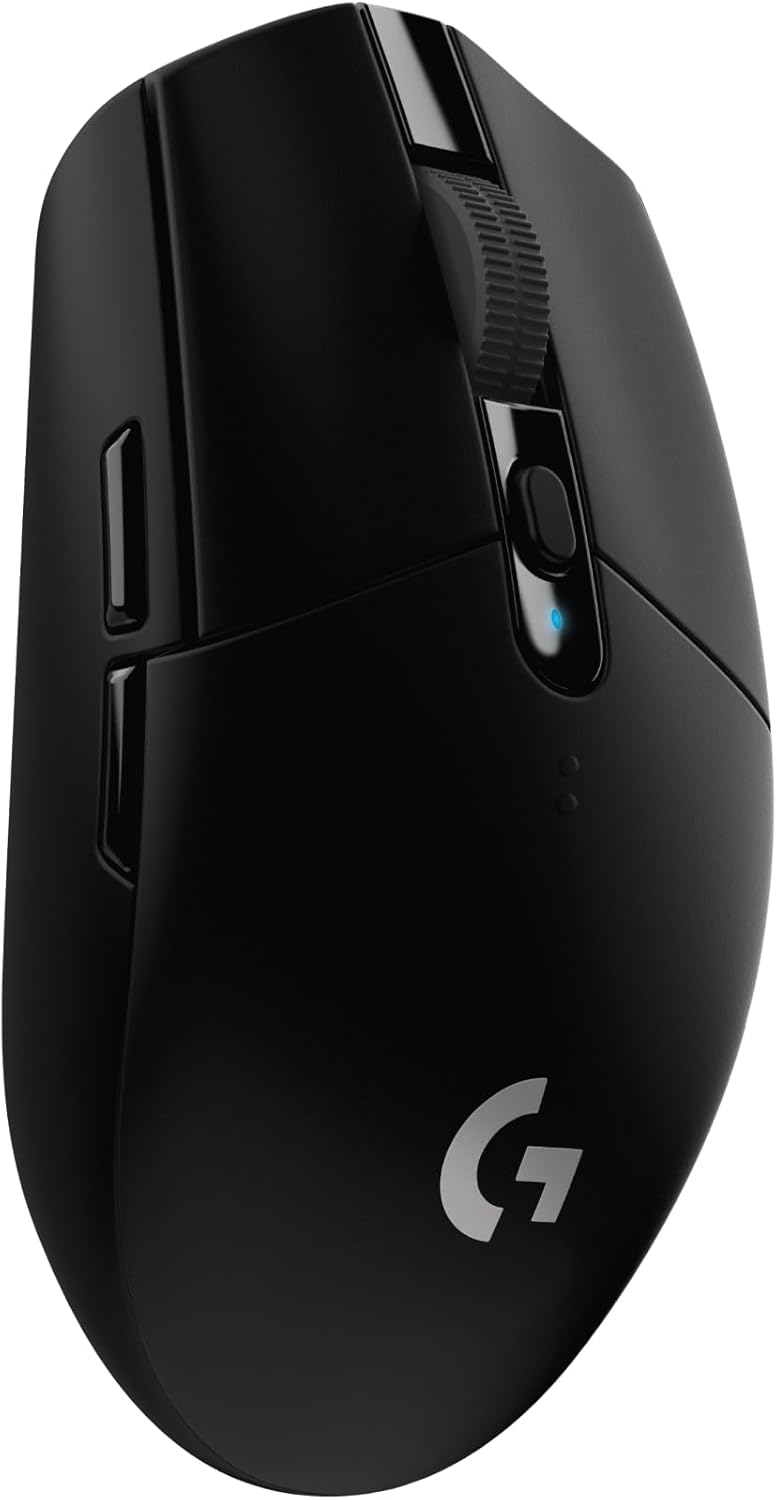
Verdict: Buy it — the best wireless gaming mouse for a small hand; the all-round gaming default unless you want featherlight.
Razer Viper Mini — best ultralight on a budget
The Viper Mini is the one to grab if you want the lightest, cheapest gaming option that still fits. At 61g with a narrow 53mm waist, it’s built for smaller fingers and claw/fingertip grips, and the drag-free Speedflex cable means it never tugs back. It punches well above its price — 4.6 stars across 21,000+ ratings.
It’s wired, which is the trade-off for the weight and the price; if you want wireless, the G305 is the step up. And at 118mm it’s actually the longest mouse here on paper — but that length is in a low, narrow body that smaller hands wrap around easily rather than over-stretch. A great first “proper” gaming mouse for a small hand.
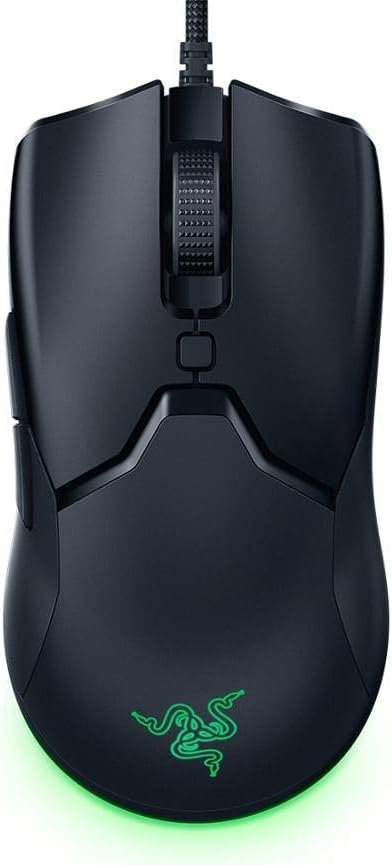
Verdict: It depends — buy it for the lightest, cheapest gaming fit; choose the G305 instead if wireless matters more than weight.
Logitech Pebble M350 — best slim everyday pick
Not everyone needs a sculpted hump or a gaming sensor — sometimes you just want a small, quiet mouse that disappears into a bag. The Pebble M350 is 107mm long and just 26mm tall, a slim low-profile shape that suits small hands and a fingertip grip, with genuinely silent clicks. It’s the value pick, and it pairs over Bluetooth or the tiny USB receiver.
The flat profile is the trade-off: there’s no palm support, so for marathon work sessions the MX Anywhere 3S or the Lift are more comfortable. But for a laptop bag, a tidy desk, or a shared quiet office, nothing here is more practical for the money. Browse the rest of our computer mouse guides if you want to compare shapes further.
Verdict: Buy it — the best budget and travel pick; just know the flat shape trades palm support for portability.
Anker 2.4G Wireless Vertical — best budget wrist relief
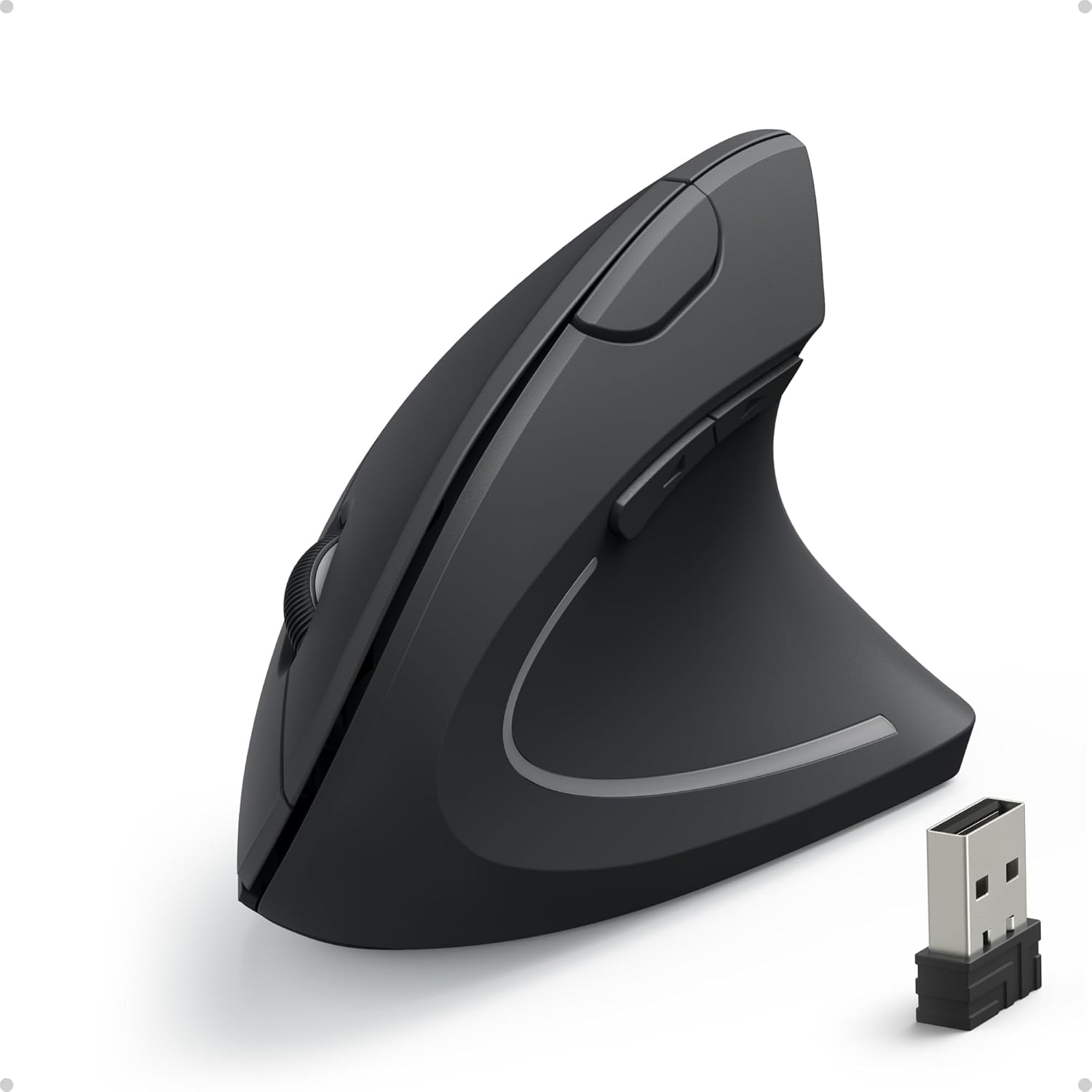
If the Lift’s price is a stretch but your wrist still needs help, the Anker vertical does the core job — a neutral handshake angle — for around a quarter of the price. It’s a compact vertical with a smaller footprint than most, three DPI settings, and a tucked-away USB receiver. With 50,000+ ratings it’s one of the most-bought ergonomic mice on Amazon.
You feel the budget in the details: the plastics and scroll wheel aren’t as refined as the Lift’s, it’s 2.4GHz only (no Bluetooth), and the 4.2-star average reflects the occasional dud. But as a low-risk way to try whether a vertical shape helps your wrist before spending more, it’s the obvious starting point. If it clicks for you, the Lift is the upgrade.
Verdict: It depends — buy it as a cheap first vertical to test the shape; step up to the Lift if you want the refined, small-hand-tuned version.
How to choose an ergonomic mouse for small hands
A mouse is like a shoe: the right size disappears, the wrong size you feel all day. A too-big mouse forces you to claw and over-stretch the same way an oversized shoe makes you scrunch your toes — and the strain shows up later, not in the moment. So measure before you buy. Lay your hand flat and measure from the base of your palm to the tip of your middle finger; under about 17cm (6.7 inches) is small-hand territory. Then check these four things:
- Length first (105–120mm). This is the spec that makes or breaks the fit. Longer than ~120mm and a small hand claws the front instead of resting on it.
- Width under ~65mm. A narrow waist lets your thumb and ring finger grip the sides instead of splaying. The Viper Mini’s 53mm waist is the extreme of this.
- Weight, so you move from the fingers. Lighter mice let a small hand reposition without lifting the whole wrist. Most small-hand players prefer sub-100g — see heavy vs light mice for the trade-offs.
- Shape for your grip. Fingertip and claw grips suit short, low mice; if you palm-grip, prioritise a sculpted compact like the MX Anywhere 3S. For a pinky that needs somewhere to land, our pinky-rest mouse guide goes deeper.
One more rule: don’t buy on looks. A mouse that photographs as “compact” can still be 125mm long. Always check the published length in millimetres against your own measurement — it’s the single number that predicts comfort better than any marketing word.
Frequently asked questions
What size mouse is best for small hands?
Aim for a mouse around 105–120mm long and under 65mm wide. As a quick self-test, measure from the base of your palm to the tip of your middle finger — if that’s under roughly 17cm (6.7 inches), you have small hands and should stay at the shorter end of that range. Length is the spec that matters most; a mouse that’s too long forces you to claw it.
Is a vertical mouse good for small hands?
It can be excellent for wrist comfort, but only if the vertical is sized for smaller hands — most are built large. The Logitech Lift is designed for small-to-medium hands specifically, while a compact budget option like the Anker vertical works too. A vertical shape rotates your hand into a neutral position that reduces forearm strain, which is why they help with wrist pain.
Are lightweight mice better for small hands?
Generally yes. A lighter mouse lets a small hand reposition using the fingers rather than lifting the whole wrist, which reduces fatigue over a long session. For gaming especially, a sub-100g mouse like the Logitech G305 (99g) or the 61g Razer Viper Mini is easier to control with a smaller hand than a heavy 110g+ mouse.
Should small hands use a claw or fingertip grip?
Claw and fingertip grips tend to suit small hands best, because they don’t require the whole palm to reach the back of the mouse. A short, low-profile mouse supports both grips well. Palm grip is still possible with a small hand — you just need a genuinely compact sculpted shape, like the Logitech MX Anywhere 3S, rather than a full-size body.
Is the Logitech Lift good for small hands?
Yes — it’s one of the few vertical mice built for them. Logitech sized the Lift for small-to-medium hands, so the body and 57° angle support your palm without forcing a stretch, unlike larger verticals such as the MX Vertical. If you have small hands and want a vertical mouse for wrist relief, the Lift is the natural first choice.
Can small hands use a gaming mouse?
Absolutely — you just need to pick on dimensions, not hype. Look for a gaming mouse around 100mm long and under 100g: the Logitech G305 and Razer Viper Mini are both built short and light enough for a smaller hand. Avoid large ergonomic gaming mice (130mm+), which force a small hand to over-stretch for the buttons.