

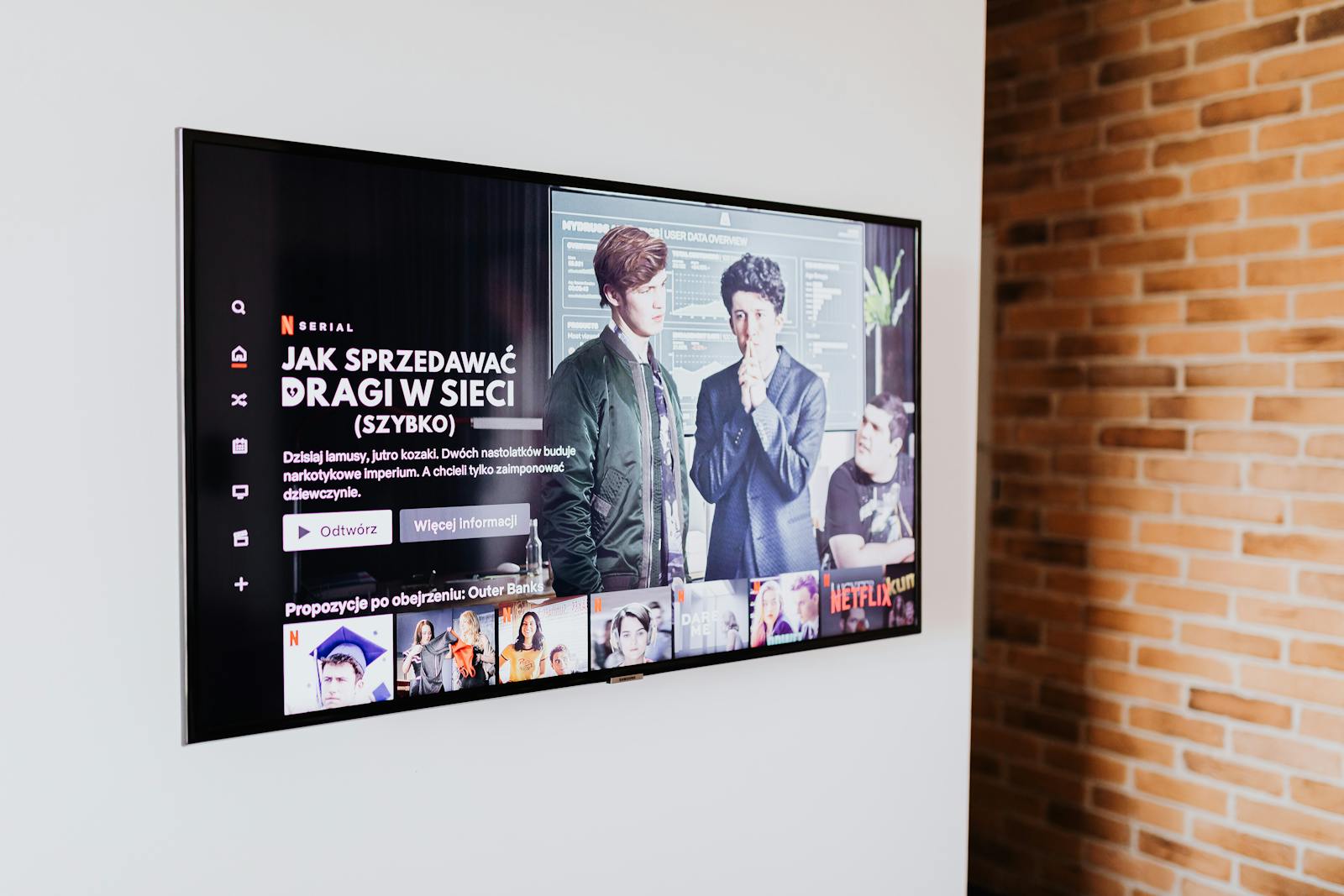
The screen industry sells features that age badly – “smart” platforms that slow down and stop updating, motion modes nobody wants on. What actually decides your home entertainment is the panel and the brightness, the room you’re putting it in, and whether the kit holds you hostage to a subscription. The smart stuff is the part that dates fastest.
This hub maps the gear by the experience you want and names the deciding spec each time. The TechnoQia angle: buy the display and the room right, add a cheap streamer you can replace when it slows, and avoid devices that need a monthly fee to do their basic job.
- Want a big-screen film night? A projector matched to your room’s light and throw distance.
- TV feeling slow or dated? A streaming device – cheaper and faster to replace than the TV.
- Mounting or going immersive? The right TV mount or a VR headset for the experience you want.
TechnoQia · Entertainment map
Table of Contents
What should you buy for the experience you want?
Match the gear to the room and the experience – one spec decides each.
Decider: brightness (lumens) for your room light and the throw distance it needs to fill the wall.
Decider: a current, well-supported platform – replace the cheap streamer, not the whole TV.
Decider: the VESA pattern and weight rating that match your TV – fit and safety over features.
Decider: standalone vs PC-tethered and the content library – match it to how you will actually play.
Projectors
A projector turns a wall into a cinema, but brightness (measured in lumens) and your room’s light decide whether it looks great or washed out. Throw distance sets how far it sits from the wall. Match both to your room before resolution. See our projector guides.
Streaming devices
A separate streaming stick or box is the smart way to keep a good TV current: it’s cheap, fast, and trivial to replace when the platform slows – unlike the TV’s built-in apps. The streaming device guides compare the platforms.
TV mounts & stands
A mount is a safety decision first: match the VESA hole pattern and the weight rating to your TV, then choose fixed, tilting or full-motion for your viewing angle. Our TV mount and stand guides cover fit and installation.
VR headsets
The big VR choice is standalone (all-in-one, go anywhere) versus PC-tethered (more power, more setup), and what really matters after that is the content library. Match the headset to how and where you’ll actually play. See the VR headset guides.
How to choose entertainment tech without overspending
First, buy the display for the room, not the spec sheet. A projector’s lumens against your room light, or a TV in the right size for the distance, decides the experience more than peak numbers. Second, keep the “smart” part cheap and replaceable. Built-in TV platforms slow down and stop updating; a $50 streamer you can swap keeps a great screen current for years. And avoid anything that needs a subscription to do its basic job.
Where to start with entertainment tech
Start with the room. Lots of ambient light and a big wall point to a bright TV plus a streamer; a room you can darken opens up a projector for film nights. Mount it safely, add a cheap streaming box, and you have a setup that stays current without replacing the expensive part.
Frequently asked questions
Projector or big TV for a home cinema?
A projector gives the biggest image for the money and a true cinema feel in a room you can darken. A TV is brighter, simpler and better in rooms with lots of light. Choose by how much control you have over ambient light and the screen size you want.
Do I need a streaming device if my TV is already smart?
Often yes. Built-in TV platforms tend to slow down and stop getting updates years before the panel wears out. A separate streaming stick or box is cheap, faster, and easy to replace – so a great TV stays current without being thrown away.
How many lumens does a projector need?
It depends on room light: a darkened room can look great with fewer lumens, while a bright living room needs a much brighter projector to avoid a washed-out image. Match the brightness to your room first, then consider resolution.
How do I choose a TV mount safely?
Match the mount’s VESA hole pattern and weight rating to your specific TV – this is a safety issue, not a feature one. Then pick fixed, tilting or full-motion based on viewing angle and wall position, and fix it into studs or suitable anchors.
Standalone or PC VR headset?
Standalone headsets are all-in-one and convenient with no cables or PC required; PC-tethered headsets offer more graphical power for demanding games but need a capable computer and setup. Choose by how and where you will play, and check the content library first.
Will I be locked into subscriptions?
You can avoid most lock-in. Buy displays and streamers that play the services you already use, prefer devices that work without a mandatory monthly fee, and remember that hardware which needs a subscription to function is more expensive than its sticker price.
Related hubs
Completing the living room? See audio for soundbars and speakers, smart home for lighting and control, and networking to keep streaming smooth.