

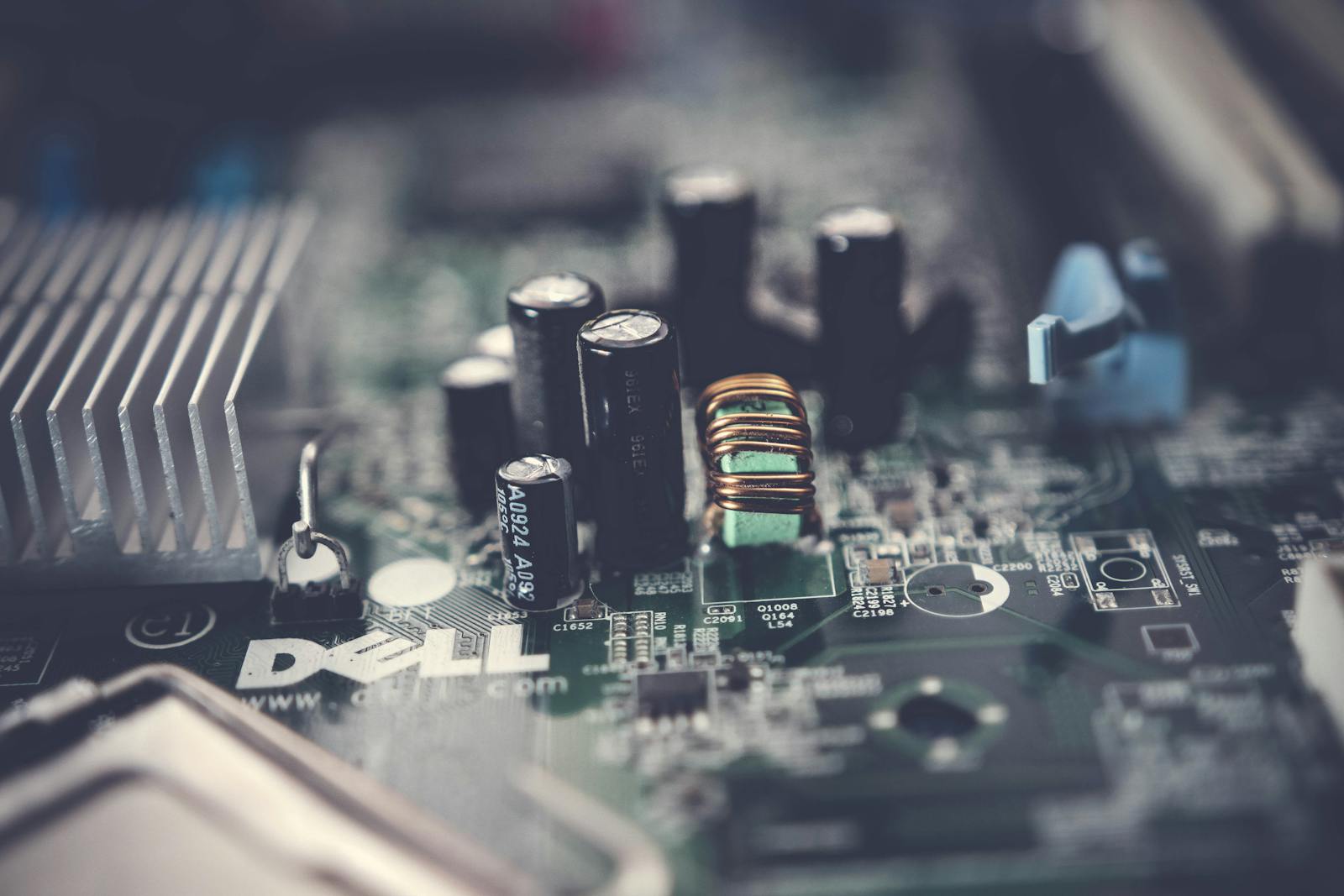
The PC-building world runs on hero numbers – benchmark charts, headline clock speeds, the fastest card of the month. None of it matters if the parts don’t fit together or one of them bottlenecks the rest. What actually decides a good build is compatibility and balance: every component matched to the others and to what you’ll really do, not a single trophy spec.
This hub covers PC components and how to choose them without wasting money. The TechnoQia approach: buy the balanced build that clears your real workload, spend where it changes your experience, and skip the flagship part whose extra power you’ll never use.
- Building or upgrading? Start with PC components – and get compatibility right before anything else.
- Gaming? Spend on the GPU, but match it to your monitor’s resolution and refresh rate – not the highest tier.
- Work and multitasking? RAM and a fast SSD do more for daily feel than the priciest CPU.
TechnoQia · Hardware map
Table of Contents
Where should your PC budget actually go?
Spend where it changes your experience – one balance, not one hero spec, decides it.
Decider: a GPU matched to your monitor’s resolution and refresh – not the top tier you will not use.
Decider: enough RAM and an NVMe SSD – they change daily feel more than a pricier CPU.
Decider: core count and cooling for sustained loads – balance it against the GPU, do not starve either.
Decider: a reputable, correctly-rated power supply – the part that protects everything else.
PC components
A good build is a balanced one: a GPU matched to your monitor, a CPU that won’t bottleneck it, enough RAM, a fast NVMe SSD, and a quality power supply to protect it all. Compatibility comes first – socket, chipset, RAM type, case clearance and PSU wattage all have to line up. Our PC component guides walk through each part and how they fit together.
How to choose PC components without overspending
First, balance the build – don’t buy one hero part. A top GPU starved by a weak CPU, or a fast CPU with too little RAM, wastes money; matched components beat a single trophy spec. Second, spend where you feel it. For gaming that’s the GPU at your resolution; for everyday work it’s RAM and an SSD. And never cheap out on the power supply – it’s the part that protects everything else. Buy the build that clears your real workload, not the benchmark king.
Where to start with a PC build
Start from the monitor and the workload, then work backwards. A 1080p gamer and a 4K creator need very different builds, and most people overspend on the part that suits someone else’s use. Pick the resolution and the main task, balance the components around them, confirm everything is compatible, and buy a quality PSU. That’s a build that lasts.
Frequently asked questions
Where should I spend most of my PC budget?
It depends on the job. For gaming, the graphics card matters most – matched to your monitor’s resolution and refresh rate. For everyday work and multitasking, RAM and a fast SSD do more than a pricier CPU. Spend where it changes your actual experience, not where the benchmark charts are tallest.
What is a bottleneck and how do I avoid it?
A bottleneck is when one component holds back the others – for example a powerful GPU paired with a weak CPU that cannot keep up. Avoid it by balancing parts to each other and to your workload, rather than buying one flagship component and economising everywhere else.
How much RAM do I need in 2026?
16GB is the comfortable baseline for gaming and general use; 32GB helps for heavy multitasking, content creation or running virtual machines. More than that benefits only specific professional workloads. Match RAM to your real use rather than over-buying.
Do I need to worry about compatibility when building?
Yes – it is the first thing to check. The CPU must match the motherboard socket and chipset, the RAM type must be supported, the GPU and cooler must fit the case, and the power supply must have enough wattage and the right connectors. Confirm all of it before buying.
Can I cheap out on the power supply?
No. The PSU feeds and protects every other component, and a poor or under-rated one can fail or even damage the rest of the build. Buy a reputable unit with the right wattage and certification – it is false economy to save here.
Should I build a PC or buy a pre-built?
Building gives the best value and full control if you are comfortable with it; a pre-built saves time and adds a single warranty. Either is valid – the same rule applies: insist on a balanced configuration matched to your workload, not one impressive spec masking weak supporting parts.
Related hubs
Building around the PC? See peripherals for keyboards and mice, home office tech for monitors, and storage for the drives that go inside and alongside it.