

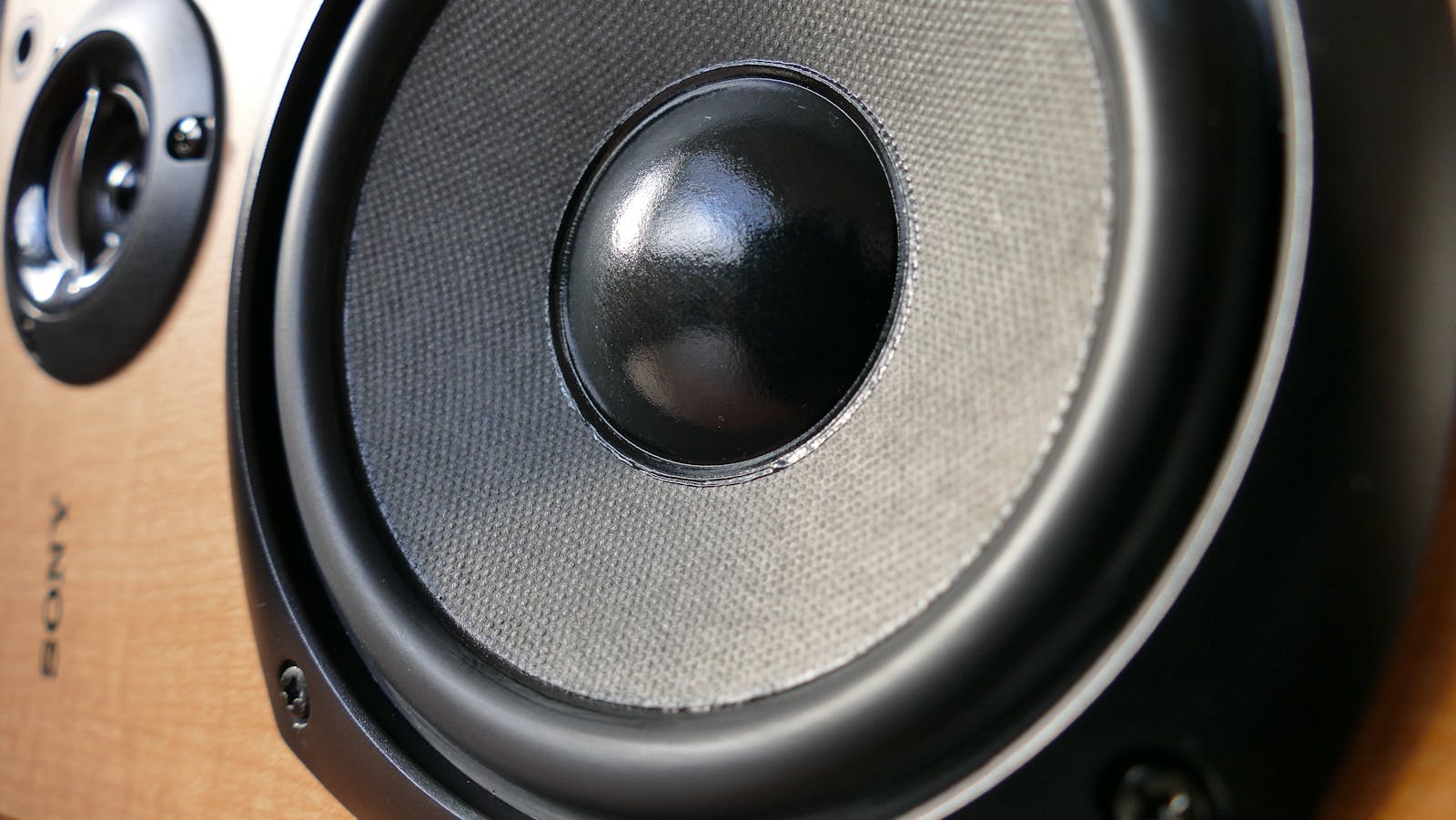
Audio is the category where the price tag lies the most. A $400 speaker in the wrong room sounds worse than a $120 one that fits, and “studio quality” earbuds are wasted on a noisy commute. The spec that decides good sound isn’t the number on the box – it’s how the gear matches your room, your source and your ears.
This hub maps the things people actually buy first and names the one spec that decides each. We ignore the marketing adjectives (“immersive”, “audiophile-grade”) and focus on what changes how it sounds in your space: driver size, codec support, fit, and whether it needs a subscription or app to do its job.
- Want better TV sound, fast? A soundbar – the single biggest upgrade per dollar for most living rooms.
- Listening on the move? Wireless earbuds with the right codec and a fit that seals.
- Serious listening at a desk or in a room? Powered speakers or headphones matched to the space.
TechnoQia · Audio map
Table of Contents
Which audio upgrade should you start with?
Match the gear to where and how you listen – one spec usually decides it.
Decider: room width and whether it has a real centre channel, not the speaker count on the box.
Decider: open vs closed back – closed for isolation, open for a wider, more natural stage.
Decider: a cardioid pattern and a desk arm – it rejects room noise better than any “AI” filter.
Decider: driver size matched to room volume – small drivers in a big room never fill it.
Soundbars
A soundbar is the highest-impact audio purchase most people will ever make, because flat TV speakers are the weakest link in any setup. The decider is the room: a wide room benefits from a dedicated centre channel and a separate sub; a small one doesn’t. Skip the ones that lock features behind an app. See our soundbar guides.
Speakers
Powered (“active”) speakers have the amp built in, so they’re simpler and usually better value than separates for a desk or small room. Match driver size to room volume and you’re most of the way there. Our speaker guides cover bookshelf, desktop and powered options across budgets.
Headphones
The choice is open-back (wider, more natural, leaks sound) versus closed-back (isolating, travel-friendly) – not the brand. Wired still wins on pure sound-per-dollar; wireless wins on convenience. The headphone guides break down both.
Wireless earbuds
Fit beats everything: earbuds that don’t seal lose bass and noise cancelling no matter the spec sheet. After that it’s codec support (AAC for Apple, aptX/LDAC for Android) and battery. Start with the wireless earbud guides.
Gaming headsets
A headset is a microphone plus headphones in one – judge both. A low-latency wireless connection and a detachable or flip-up mic matter more than virtual-surround gimmicks. The gaming-headset guides have the picks.
Microphones
For calls and streaming a USB cardioid mic on a desk arm transforms how you sound for under $100 – more than any software filter. Step up to XLR only if you’re recording seriously. See the microphone guides.
How to choose audio gear without overspending
Two rules. First, buy for your room and source, not the spec sheet – the best gear is the gear that fits the space and the music you actually play. Second, avoid app-and-subscription lock-in: audio gear should make sound when you press play, not when a cloud login succeeds. Spend on the transducer (the driver, the mic capsule), because that’s the part that decides the sound; everything else is convenience.
Where to start with home audio
New to upgrading your audio? Start with the weakest link. For most homes that’s the TV – a soundbar fixes it in minutes. For listening, a good pair of closed-back headphones or a sealing set of earbuds does more for daily enjoyment than any expensive speaker you only hear from across the room. Add from there.
Frequently asked questions
Are expensive headphones really worth it?
Up to a point. The jump from cheap to mid-range is huge; past roughly $200 you pay a lot for small gains. Fit and the right type (open vs closed) matter more than spending more. Match the headphone to how and where you listen before you chase the price.
Do I need a soundbar if my TV is 4K?
Picture quality and sound are separate. Even premium TVs have thin, downward-firing speakers, so a soundbar is usually the single biggest improvement to the experience – especially for dialogue clarity. It is the first audio upgrade we recommend for most living rooms.
Which Bluetooth codec should I care about?
Use AAC on Apple devices and aptX or LDAC on Android for the best wireless quality; the basic SBC codec is fine but lower quality. More important than the codec is a good seal in your ear – a poor fit ruins even the best codec.
Wired or wireless for the best sound?
Wired still gives more sound-per-dollar and zero latency, which is why it stays popular for serious listening and gaming. Wireless has closed much of the gap and wins on convenience. Choose wired for value and reliability, wireless for freedom.
Is a USB or XLR microphone better?
A USB mic is plug-and-play and excellent for calls, podcasts and streaming – it is the right call for most people. XLR mics need an audio interface but offer more control and headroom for serious recording. Start USB unless you know you need a studio chain.
How do I stop my room from ruining the sound?
Room acoustics matter more than most gear. Pull speakers a little off the wall, add soft furnishings to cut echo, and aim the speakers toward your ears. These free tweaks often beat spending more on hardware.
Related hubs
Building a desk or battlestation around your audio? See our peripherals guides for keyboards and mice, the home office tech hub for monitors and webcams, and entertainment tech for the screens and streamers your soundbar plugs into.