

Almost every “slow internet” complaint is really a coverage problem, not a speed one – and almost every fix people buy (a faster router, a cheap extender) targets the wrong thing. The spec that decides your Wi-Fi isn’t the headline speed number; it’s whether the signal reaches every room at a usable strength.
This hub maps networking gear by the problem you actually have and names the deciding factor for each. We steer you away from the two classic mistakes – buying speed you’ll never use and patching dead zones with extenders that halve your bandwidth – toward coverage that actually works.
- Dead zones around the house? A mesh Wi-Fi system – the right fix for coverage, not an extender.
- Old or rented router? A modern router on a current Wi-Fi standard.
- One stubborn room? A wired access point beats a wireless patch every time.
TechnoQia · Networking map
Table of Contents
How should you fix your Wi-Fi?
Diagnose the real problem – coverage, age or one room – then the fix follows.
Decider: whole-home coverage with a wired backhaul where possible – not a single stronger router.
Decider: a current Wi-Fi standard (Wi-Fi 6/6E) and enough antennas for your home size.
Decider: running an ethernet cable to a real access point – far better than a wireless extender.
Decider: small size and the security features to make an untrusted network safely yours.
Mesh Wi-Fi
Mesh is the right answer to dead zones: several units blanket the home in one seamless network, so you stay connected room to room. A wired backhaul between nodes makes it dramatically better. See our mesh Wi-Fi guides.
Routers
A modern router on a current standard (Wi-Fi 6 or 6E) handles more devices at once and reaches further than an old or ISP-supplied box. Match the antenna count and tier to your home size, not the biggest speed rating. The router guides help you choose.
Wi-Fi extenders
Extenders are the most over-bought networking product: a basic one can halve your bandwidth and create a second network you have to switch between. They have a place for a single corner, but mesh or a wired access point is usually better. See the Wi-Fi extender guides for when they make sense.
Access points
For one stubborn room, running an ethernet cable to a dedicated access point beats any wireless patch – full speed, no bandwidth penalty. Our access point guides cover the hardware and the wiring.
Wi-Fi adapters
An old desktop or laptop on a slow connection often just needs a modern USB or PCIe Wi-Fi adapter to reach current speeds. It’s the cheapest networking upgrade there is. See the Wi-Fi adapter guides.
Travel routers
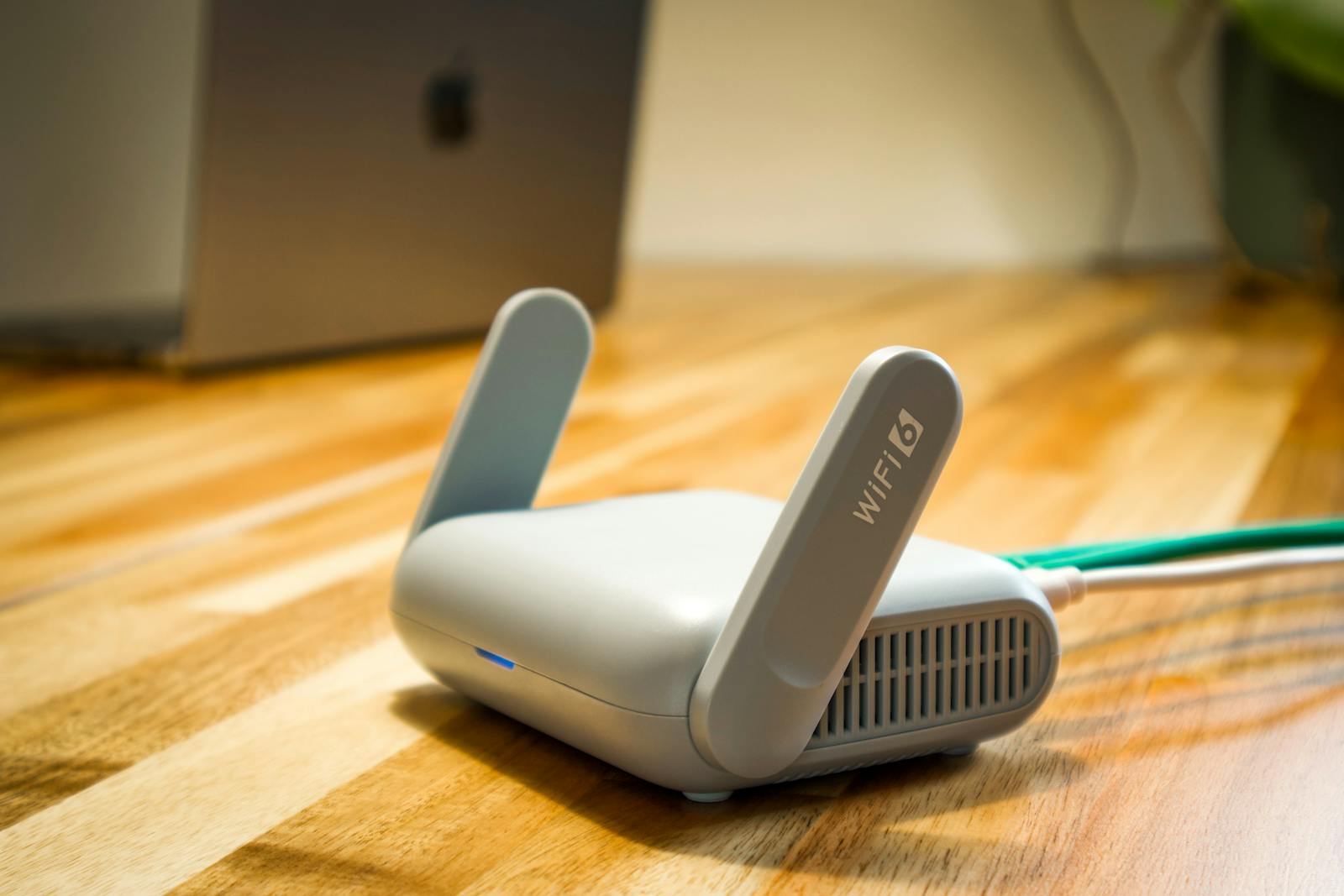
A travel router turns a hotel or rental connection into your own secure network, shares a single login across devices, and adds a VPN layer. The travel router guides cover the pocket-sized options worth packing.
How to choose networking gear without overspending
First, diagnose coverage before speed. If rooms drop or crawl, you have a coverage problem – a faster router won’t fix a signal that doesn’t arrive. Mesh or a wired access point will. Second, wire what you can. A cable to a far access point beats every wireless patch on speed and reliability. Buy for the dead zone, not the headline megabits.
Where to start with your network
Walk the house with your phone and watch the signal. If it dies in the same spots, you need coverage – mesh, or a wired access point to the worst room. If everything is just dated, a modern router is the start. Don’t buy an extender as a reflex; it’s rarely the right tool.
Frequently asked questions
Will a faster router fix my slow Wi-Fi?
Only if speed is actually the problem. Most complaints are about coverage – rooms where the signal is weak – and a faster router in the same spot will not reach them. Diagnose whether it is a dead-zone or a speed issue first; the fixes are different.
Mesh Wi-Fi or a Wi-Fi extender?
Mesh is usually better: it creates one seamless network across several units, so devices roam without switching. A basic extender creates a separate, often slower network and can halve bandwidth. Choose mesh for whole-home coverage; reserve extenders for a single, minor dead spot.
Do I need Wi-Fi 6 or 6E?
Wi-Fi 6 helps most when you have many devices connected at once, and 6E adds a cleaner 6GHz band if your devices support it. They are worth it on a new purchase, but do not rush to replace a working setup if coverage, not capacity, is your issue.
What is a wired backhaul and why does it matter?
It means connecting mesh nodes to each other with ethernet cable instead of wirelessly. This frees up the wireless bands for your devices and dramatically improves speed and reliability. Use it wherever you can run a cable.
How do I fix Wi-Fi in one far room?
The best fix is a cable: run ethernet to that room and add an access point for full-speed coverage with no penalty. If wiring is impossible, a mesh node placed between the router and the room is the next best option – an extender is the last resort.
Should I replace my ISP-provided router?
Often yes. A good retail router or mesh system usually outperforms a basic ISP box on range, features and the number of devices it handles. Keep the ISP unit in modem/bridge mode and let the better hardware run your network.
Related hubs
A reliable network underpins everything: see smart home for the devices that depend on it, home office tech for the desk it serves, and portable tech for travel routers and mobile Wi-Fi.