

Keyboards, Mice & Desk Setup Guides
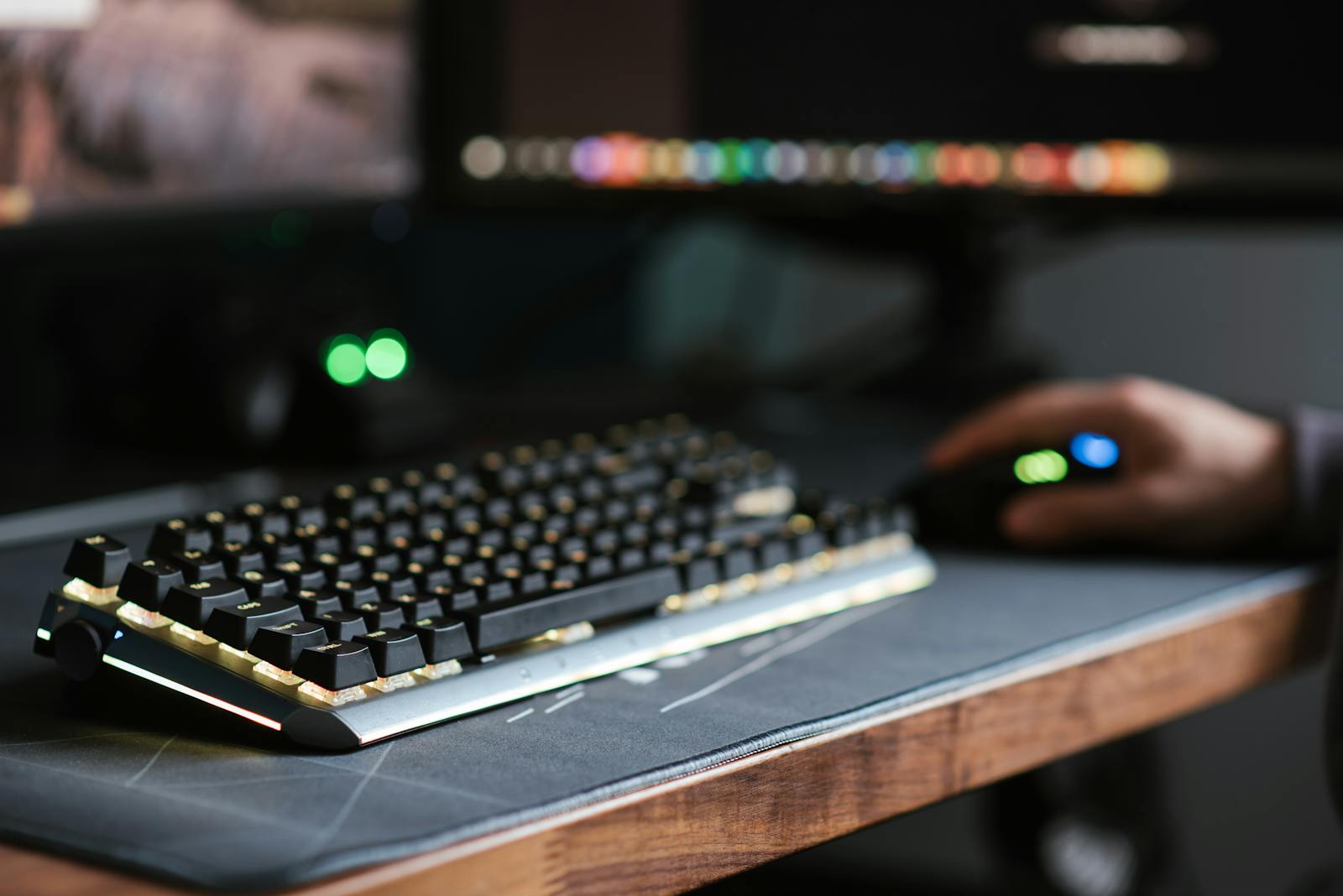
Peripherals are the parts of a computer you actually touch all day, which is exactly why the marketing misses the point. RGB lighting and a 20,000 DPI sensor don’t make you faster or more comfortable. What decides a keyboard or mouse is the feel under your hands – the switch, the shape, the weight – not the spec sheet or the light show.
This hub covers the gear people upgrade first and names the one thing that actually decides each purchase. The theme throughout: buy for your hands and your desk, ignore the numbers that don’t change how it feels, and don’t pay for software you’ll open once.
- Typing all day? A mechanical keyboard with the switch that suits your touch – the single biggest comfort upgrade.
- Wrist or hand ache? The right-shaped mouse for your grip beats any DPI number.
- Gaming? A gaming mouse judged on weight and sensor consistency, not peak DPI.
TechnoQia · Peripherals map
Table of Contents
Which peripheral should you upgrade first?
Pick by the discomfort or limit you feel – one spec, not the marketing, decides it.
Decider: switch type – tactile or linear – matched to your touch, plus a layout that fits your desk.
Decider: shape and size for your grip and hand, not the DPI number on the box.
Decider: low weight and a flawless sensor at the DPI you actually use, not the headline maximum.
Decider: a wrist-neutral height and a tidy layout – comfort comes from the desk, not just the gear.
Mechanical keyboards
The switch is the whole decision: tactile switches (a bump you can feel) suit typists, linear switches (smooth) suit gamers, and quiet variants suit shared spaces. Hot-swap boards let you change switches without soldering – the best way to find what you like. See our mechanical keyboard guides.
Keyboards
Not everyone needs mechanical. Membrane and low-profile boards are quieter, cheaper and fine for light use; what matters is layout (full-size vs tenkeyless) and a comfortable height. The keyboard guides cover every type.
Mouse
A mouse is shaped for a hand and a grip (palm, claw, fingertip). Get the size and shape right and wrist strain drops; get it wrong and no feature helps. Weight and a reliable sensor matter; the DPI ceiling almost never does. Start with the mouse guides.
Gaming mouse
For gaming, lighter is better and sensor consistency beats a big DPI number you’ll never use. A reliable wireless connection now matches wired latency. The gaming-mouse guides have the picks by grip and hand size.
Controllers
The right controller depends on platform and hands – drift-resistant sticks (Hall-effect) and good triggers matter more than extra buttons. Our controller guides cover PC, console and the hall-effect options worth paying for.
Desk setup
The cheapest performance upgrade is posture: monitor at eye level, wrists neutral, feet flat. A few well-chosen pieces fix more fatigue than any premium peripheral. See the desk-setup guides.
Accessories
Wrist rests, deskmats, keycaps and cable routing are small spends with outsized comfort payoffs. The accessory guides cover the add-ons that are actually worth it.
How to choose peripherals without overspending
First, buy for your hands. The switch you like and the mouse shape that fits your grip decide comfort and speed – test the feel, ignore the spec race. Second, don’t pay for the light show or the maximum number. RGB and a 26,000 DPI sensor don’t make you better; a tactile switch and a mouse that fits do. Spend on the contact points, not the marketing.
Where to start with your desk
If your hands get tired, start with the keyboard – a mechanical board with the right switch is the upgrade you feel every minute. If your wrist aches, the mouse shape is the fix. Sort those two and your desk is 90% there; everything else is refinement.
Frequently asked questions
Are mechanical keyboards worth it?
For anyone who types a lot, yes – the right switch reduces fatigue and most people find them more pleasant and durable than membrane boards. The key is matching the switch (tactile, linear or clicky) to your preference, ideally on a hot-swap board so you can experiment.
Does a high DPI mouse make me a better gamer?
No. Most players use 800-1600 DPI regardless of the sensor’s maximum. Consistency, low weight and a comfortable shape matter far more than a headline DPI number you will never enable.
Wireless or wired peripherals for gaming?
Modern wireless gaming gear is effectively as fast as wired, so it comes down to preference and battery. Wired removes charging and is cheaper; quality wireless removes cable drag. Either is fine competitively today.
What keyboard size should I get?
Full-size if you use the number pad; tenkeyless (TKL) to free desk space and bring the mouse closer; compact (75%/65%) for minimal desks. Choose by how often you really use the numpad and how much desk room you want.
How do I stop my wrist hurting at the desk?
Fix posture first: monitor at eye level, wrists neutral and supported, mouse close to the keyboard. A correctly shaped mouse and a wrist rest help, but height and position do most of the work – and cost nothing.
Are hall-effect controller sticks worth it?
If you have suffered stick drift, yes. Hall-effect (magnetic) sticks resist the wear that causes drift, so the controller lasts longer. It is the upgrade most worth paying for in a new controller.
Related hubs
Building the whole desk? Pair these with our audio guides for headsets and mics, the home office tech hub for monitors, lighting and hubs, and laptops if a portable machine anchors your setup.
All guides in this hub
- Best Mouse for ESO (2026): Why You May Not Need an MMO Mouse
- Desktop Keyboards That Feel Like Laptop Keyboards (2026)
- Best Mouse for SketchUp (2026): Wheel-Click Reliability First
- Best Rubber Dome Keyboards (2026): The Luxury Dome Truth
- Best Mouse for Blender (2026): Middle-Click Is Everything
- Best Mouse With a Number Pad (2026): The Honest Answer
- Best Keyboard for Day Trading (2026): Macros Beat “Gaming Speed”
- Best Scissor Switch Keyboard (2026): The Laptop-Feel Picks That Beat the Hype
- Best Keyboard for Data Entry (2026): The Numpad Is the Product
- Best Keyboard for Excel (2026): Numpad First, Everything Else Second
- Best Keyboard for Transcription (2026): Quiet, Low-Fatigue Picks
- Best Ergonomic Mouse for Large Hands (2026): Sized in Millimetres, Not Marketing
- 7 Gaming Mouse With 3 Side Buttons
- North-Facing VS South-Facing Switches
- Top 7 Best Keyboard for Accountants
- Are Wireless Keyboards Secure?
- Top 7 Best Gaming Mouse With Pinky Rest
- Are Flat Keyboards More Ergonomic
- Top 9 Best Mouse For Geometry Dash
- Top 7 Best Mouse That Works On Any Surface
- 7 Most Popular But Worst Gaming Keyboard
- 10 Best Gaming Chair For Tall Skinny People
- How to Change Your Mouse Cursor on Chromebook
- Best Keyboard for Programming Under $50 in 2026: 6 Picks
- Best Mouse for Butterfly Clicking in 2026: 6 Picks
- Best Mouse for Drag Clicking in 2026: 6 Picks
- Best Budget Mechanical Keyboards: 5 Picks Worth Buying
- Keyboard Marks on Your Laptop Screen: Remove Them Without Wrecking the Coating
- How to Fix Faded Keyboard Keys in 5 Minutes
- Best Gaming Keyboard for Small Hands in 2026: 6 Compact Picks
- Best Pink Gaming Mouse in 2026: 6 That Actually Perform
- Best Keyboards for Tennis Elbow in 2026: 5 That Actually Reduce Strain
- Chiclet vs Mechanical Keyboard: Which Is Better for You? (2026)
- Best Ergonomic Mouse for Small Hands in 2026: 6 Picks That Fit
- Best Gaming Mouse for Sweaty Hands in 2026: 6 Grippy Picks
- Logitech G Pro VS G203 – Which Is Better?
- How To Disable DPI Button On Mouse?
- Are Mechanical Keyboards Better For Your Hands?
- How To Use Your Laptop As A Monitor For Switch?
- How To Use Two Keyboards Separately – 3 Easy Tricks